

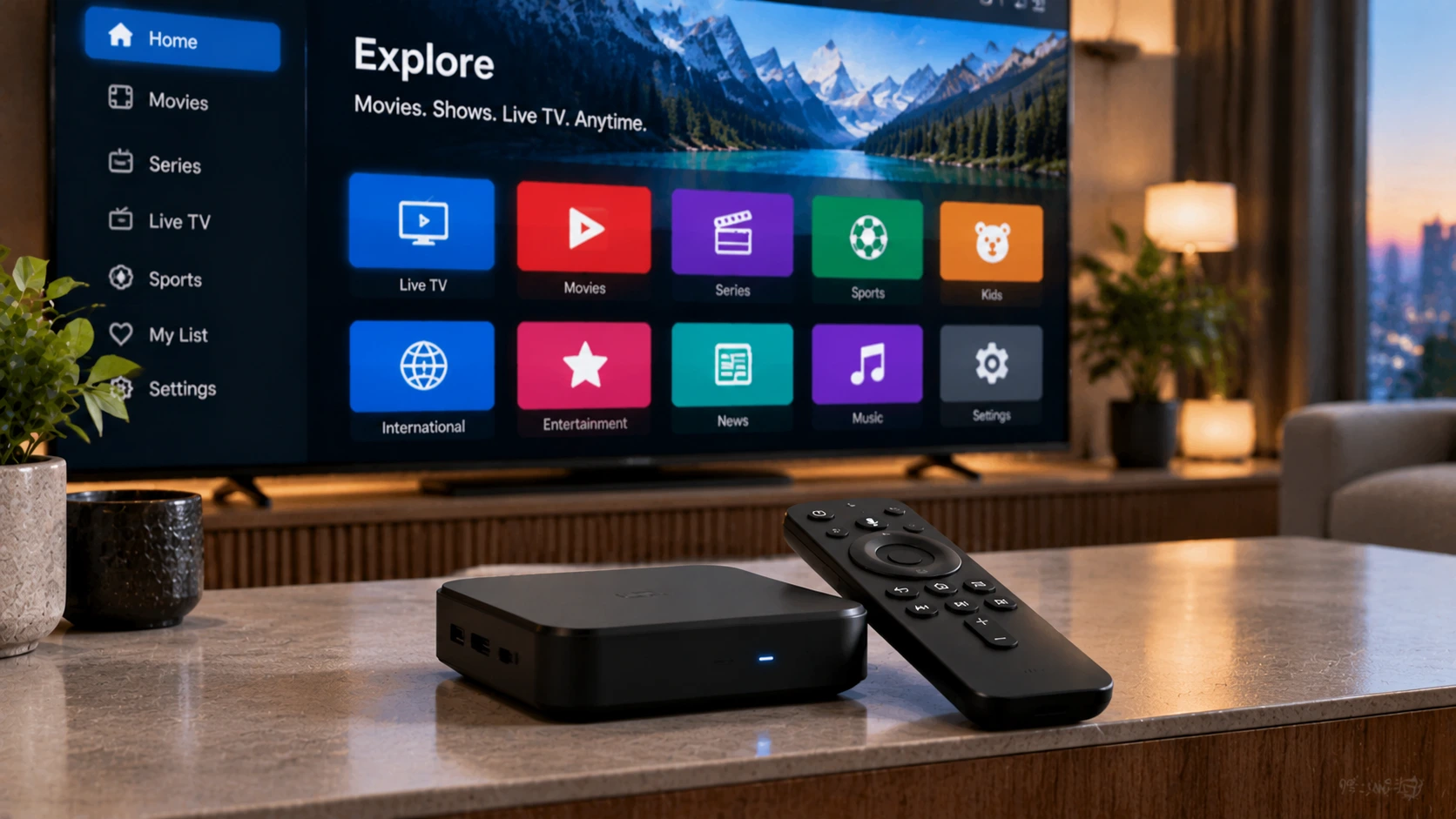
Written by the StreamX Editorial Team — Updated October 2026
Android has the biggest selection of IPTV player apps of any platform — which is great, until you have to choose one. Some are built for TVs with a remote, some for phones, some are free and simple, others are powerful but take time to configure. We have compared the most popular IPTV players available to Canadians on Android phones, Android TV / Google TV boxes and Fire TV devices, and ranked them by who they suit best.
Quick answer: TiviMate is the best IPTV app for Android TV and Firestick if you want a cable-style guide. IPTV Smarters Pro is the easiest for beginners and works on phones, TVs and computers. OTT Navigator is the best free all-rounder, and Televizo is excellent on phones and tablets. All of them are players only — the channels come from your IPTV subscription.
How We Compared the Apps
We looked at what matters to a typical Canadian household: ease of setup with Xtream Codes, quality of the TV guide (EPG), channel-switching speed, favourites and parental controls, support for catch-up and recording, how well the app works with a TV remote and on a phone, and cost. We also noted which apps are in Google Play and which must be sideloaded on Fire TV.
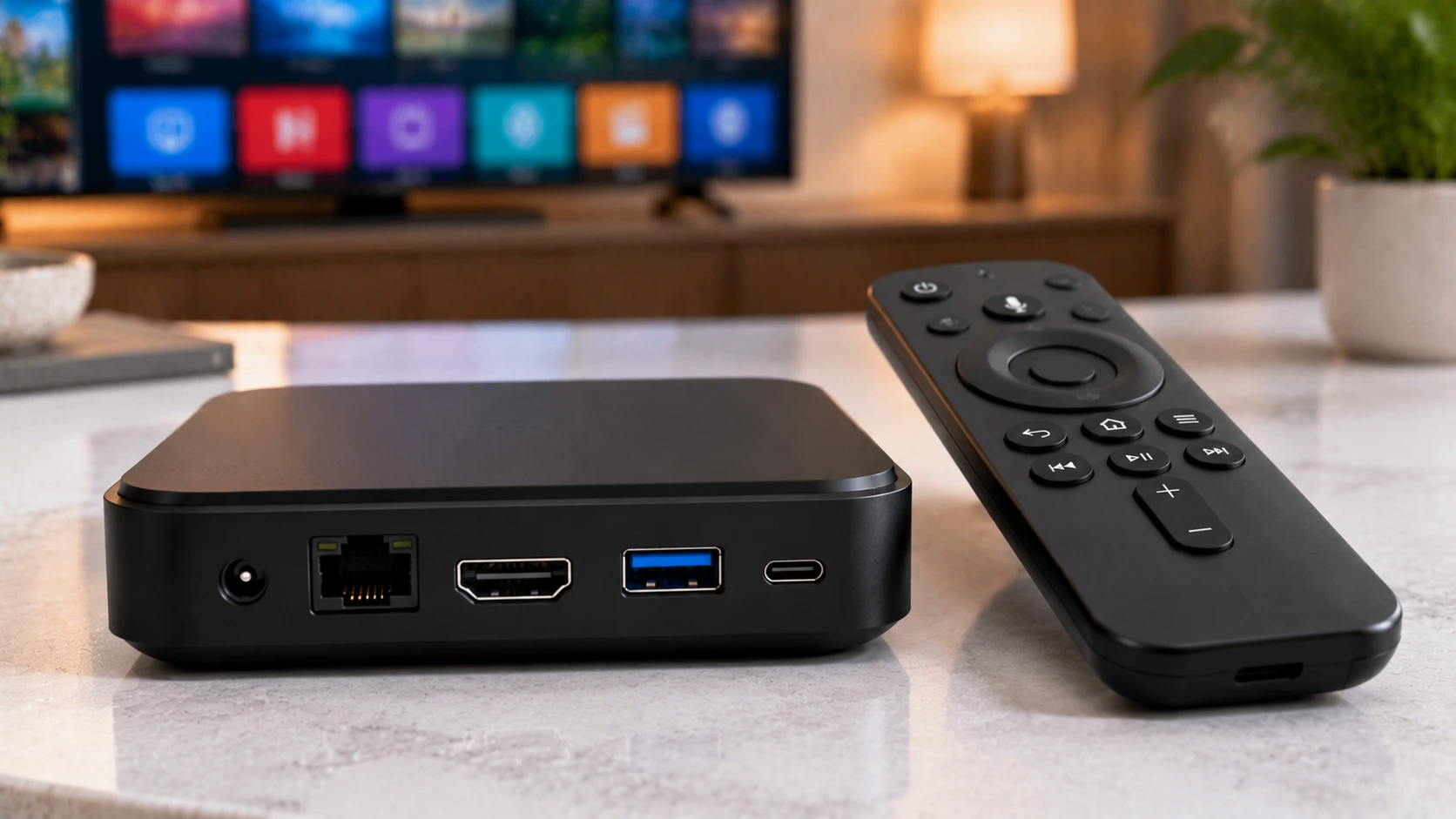
The 9 Best IPTV Apps for Android
| # | App | Best for | Devices | Price model |
|---|---|---|---|---|
| 1 | TiviMate | Cable-like grid guide on TV | Android TV, Fire TV | Free + Premium |
| 2 | IPTV Smarters Pro | Beginners, all-in-one live/VOD | Phone, tablet, TV, Fire TV | Free |
| 3 | OTT Navigator | Free power-user features | Phone, TV, Fire TV | Free + optional premium |
| 4 | Televizo | Phones and tablets | Phone, tablet, TV | Free + Premium |
| 5 | Sparkle TV | Fast, lightweight TV interface | Android TV, Fire TV | Free + Premium |
| 6 | XCIPTV | Xtream-focused simple player | Phone, TV, Fire TV | Free |
| 7 | Perfect Player | Minimalist live TV | Phone, TV | Free + Pro |
| 8 | Kodi (PVR IPTV Simple Client) | Media-centre users | All | Free |
| 9 | VLC | Quick M3U playback | All | Free |
1. TiviMate — best for TV
The gold standard on Android TV and Firestick. Its grid guide, fast channel switching and deep customization make IPTV feel like premium cable. Premium adds recording, catch-up, multiple playlists and multi-view. It is not available on phones or Apple devices, and on Fire TV it must be sideloaded. Setup is covered in our TiviMate Canada guide.
2. IPTV Smarters Pro — best for beginners
Simple, familiar and available almost everywhere. Live TV, movies and series are separated into clear sections, and the Xtream Codes login takes a minute. The guide is less polished than TiviMate’s. See our Smarters Pro on Firestick guide and our head-to-head Smarters Pro vs TiviMate.
3. OTT Navigator — best free all-rounder
A free app with features others charge for, including catch-up support, EPG customization and a flexible interface for both phones and TVs. The settings menu is deep, so expect a learning curve.
4. Televizo — best on phones and tablets
A modern, touch-friendly design that makes it a favourite for watching on the go. Works on TVs too, with Premium features for power users.
5. Sparkle TV — fast and light
A newer TV-focused player with a clean interface and quick performance on lower-powered sticks.
6–9. XCIPTV, Perfect Player, Kodi and VLC
XCIPTV is a straightforward Xtream player; Perfect Player is minimalist and fast; Kodi suits users who already run a media centre (see our Kodi IPTV guide); and VLC is handy for quickly opening an M3U playlist but lacks a proper guide (see our VLC IPTV guide).
What to Look For: EPG, Recording and Multi-Playlist
Beyond the name, three features separate a great IPTV app from a frustrating one:
- EPG (TV guide) — a proper electronic programme guide turns a flat channel list into a browsable schedule. TiviMate and OTT Navigator do this best. Our EPG guide shows how to load one.
- Recording and catch-up — if you want to record live TV or rewind, look for built-in recording (TiviMate Premium) or provider catch-up support.
- Multi-playlist support — useful if you run more than one line; some free apps limit you to a single playlist until you upgrade.
Match the app to the device, too: on a phone or tablet, Televizo and Smarters feel natural; on a TV, box or Firestick, TiviMate’s remote-first layout wins.
Which App Should You Choose?
| You want… | Choose |
|---|---|
| A cable-style experience on the TV | TiviMate |
| The easiest setup for the whole family | IPTV Smarters Pro |
| Powerful features for free | OTT Navigator |
| The best phone and tablet app | Televizo |
| Recording to a USB drive | TiviMate Premium or OTT Navigator |
| To open an M3U file quickly | VLC |
Installing Apps Safely
- Use Google Play on Android phones and certified Android TV devices whenever possible.
- On Fire TV, sideload only from developers’ official sources using the Downloader app — see our Firestick installation guide. Note that Vega OS Fire TV Sticks cannot sideload apps; see our best Firestick guide.
- Avoid “mod” or “premium unlocked” APKs, which are a common source of malware.
- Check app permissions: a video player does not need access to your contacts or SMS. Google’s Play Protect scans apps for harmful behaviour.
Tips for Any IPTV App
- Use Xtream Codes login where possible — it loads channels, guide and VOD automatically. Our M3U vs Xtream Codes guide explains why.
- Build a favourites list and hide unused categories.
- Set a larger buffer for live sports.
- Keep about 15 Mbps per HD stream available — test with Speedtest.
Get Started
All the apps above work with StreamX through Xtream Codes or M3U. Try a couple with a free 24-hour trial and keep the one you like best. When you are ready, choose your screens on our pricing page. For a cross-platform view including iPhone and smart TVs, see our best IPTV player guide.
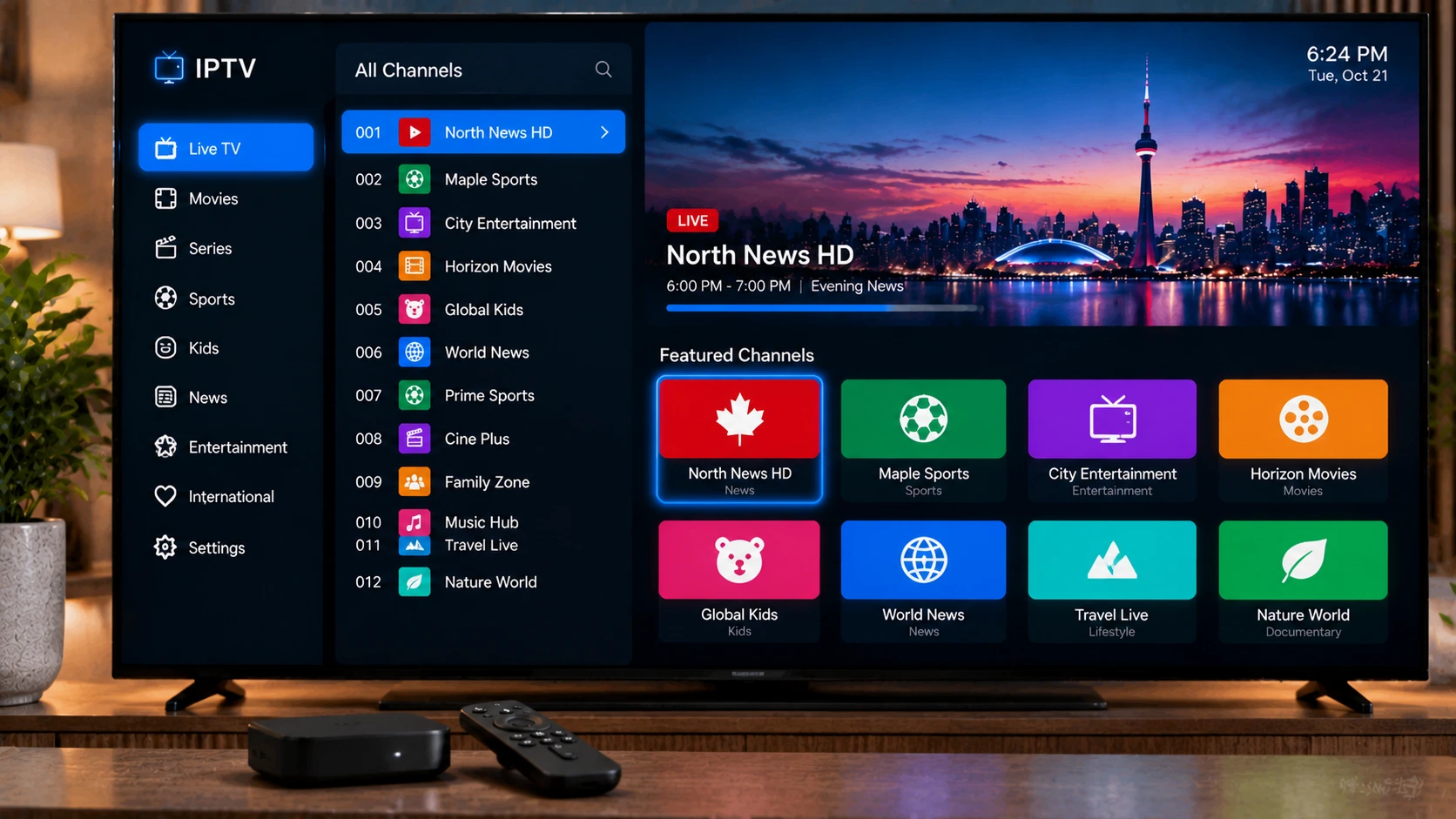
Frequently Asked Questions
What is the best IPTV app for Android?
TiviMate is the best for Android TV and Firestick, IPTV Smarters Pro is the easiest for beginners, OTT Navigator is the best free all-rounder and Televizo is excellent on phones and tablets.
Are IPTV apps free?
Many are free or have free versions, including IPTV Smarters Pro, OTT Navigator, VLC and Kodi. TiviMate and Televizo offer paid Premium upgrades.
Do IPTV apps include channels?
No. IPTV apps are players only. You need an IPTV subscription with Xtream Codes details or an M3U playlist.
Which IPTV app is best for an Android phone?
Televizo and IPTV Smarters Pro are popular on phones for their touch-friendly interfaces. OTT Navigator is a strong free alternative.
Is it safe to download IPTV apps?
Yes, if you use Google Play or the developer’s official source. Avoid modified APKs from unknown sites.
Which Android IPTV app has the best EPG and recording?
TiviMate is the usual winner for a polished guide and recording (recording needs the paid Premium tier), with OTT Navigator the strongest free alternative. See our TiviMate setup guide to get its guide and recording working.
Can I use these apps on a Firestick or Android TV box?
Yes — these are Android apps, so they run on Fire TV (via sideloading) and on Android TV / Google TV boxes. Our Android TV box setup guide covers installing them on a box.
What is the difference between free and paid IPTV apps?
Free apps cover the basics; paid apps or tiers (such as TiviMate Premium) add multi-playlist, recording and a nicer guide. None of these fees are your subscription — you still need a reliable IPTV service to feed the app.







