

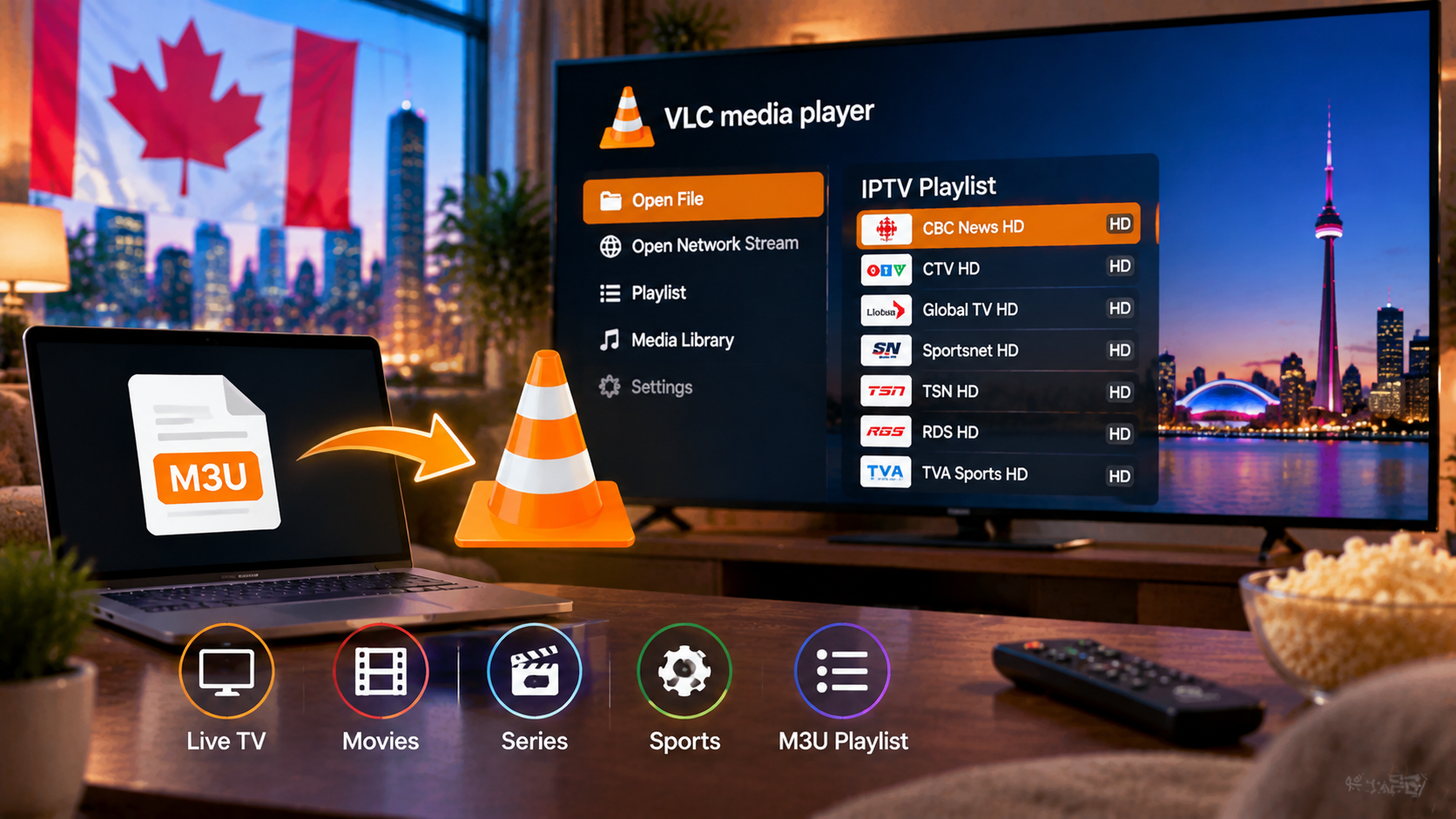
To stream in VLC you’ll first need an IPTV subscription that provides an M3U link.
Written by the StreamX Editorial Team — Updated October 2026
VLC media player is the Swiss Army knife of video: free, open source, available on almost every platform, and able to play nearly any format. It can also play IPTV by opening an M3U playlist — no account, no setup wizard, no extra software. It is the fastest way to check whether your IPTV link works, or to watch a channel on a work computer without installing anything else. This guide shows you how to use VLC for IPTV on every device and explains its limits.
Quick answer: Install VLC, then go to Media > Open Network Stream (Windows) or File > Open Network (Mac), paste your provider’s M3U playlist URL and click Play. Open the playlist view (Ctrl+L on Windows, Cmd+Shift+P on Mac) to browse channels. VLC works for quick viewing but has no proper TV guide or favourites, so a dedicated IPTV player is better for daily use.
Windows
- Download VLC from the official VideoLAN website and install it.
- Open VLC and select Media > Open Network Stream (or press Ctrl+N).
- Paste your M3U URL and click Play.
- Press Ctrl+L to open the playlist and double-click a channel.
Mac
- Download VLC from VideoLAN and drag it into Applications.
- Open VLC and choose File > Open Network (Cmd+N).
- Paste the M3U URL and click Open.
- Show the playlist with Window > Playlist and select a channel.
Android, iPhone and iPad
- Install VLC from Google Play or the App Store.
- Open the Network tab (Android: More > New stream; iOS: Network > Open Network Stream).
- Paste the M3U URL and open it.
On phones, a dedicated IPTV app is usually more comfortable — see our best IPTV apps for Android and best IPTV apps for iPhone.
Saving the Playlist Locally
Large playlists can be slow to load every time. You can save the M3U file to your computer and open it with VLC by double-clicking. Keep the file private — it contains your login details. Note that a saved file will not update automatically when your provider changes channels.
VLC vs a Dedicated IPTV Player
| VLC | Dedicated player (TiviMate, Smarters, IPTVX) | |
|---|---|---|
| Setup | Paste one link | Xtream Codes or M3U login |
| TV guide | No | Yes |
| Favourites and categories | Basic playlist only | Full management |
| Movies and series | Mixed into list | Organized sections |
| Best for | Quick tests, occasional viewing | Everyday TV |
For a TV-like experience on your computer, see our IPTV Smarters Pro for Windows and Mac guide or our Kodi IPTV guide.
Troubleshooting
- “Your input can’t be opened”: check the URL is complete and your subscription is active; try opening it in a browser to see if it downloads.
- Playlist loads but channels fail: try another channel; if all fail, contact your provider.
- Stuttering: go to Tools > Preferences > Show settings: All > Input/Codecs and increase Network caching (for example to 3000 ms).
- Very slow loading: large M3U files take time; switch to a player that supports Xtream Codes. See M3U vs Xtream Codes.
- Buffering generally: see our IPTV buffering guide.
Get Started
StreamX provides an M3U link with every plan, so you can test channels in VLC in seconds. Request a free 24-hour trial, then pick your plan on the pricing page. For the best overall experience, compare apps in our best IPTV player guide.
Frequently Asked Questions
Can I watch IPTV on VLC?
Yes. Open your provider’s M3U playlist URL in VLC using Open Network Stream, then browse channels in the playlist view.
How do I open an M3U link in VLC?
On Windows, choose Media, Open Network Stream and paste the URL. On Mac, choose File, Open Network. On phones, use the Network tab.
Does VLC show a TV guide for IPTV?
No. VLC plays streams but does not show an EPG. Use a dedicated IPTV player for a TV guide.
Why does IPTV stutter in VLC?
Increase the network caching value in VLC’s advanced preferences, and check your connection.
Is VLC free?
Yes. VLC is free, open-source software available for Windows, Mac, Linux, Android and iOS.







