

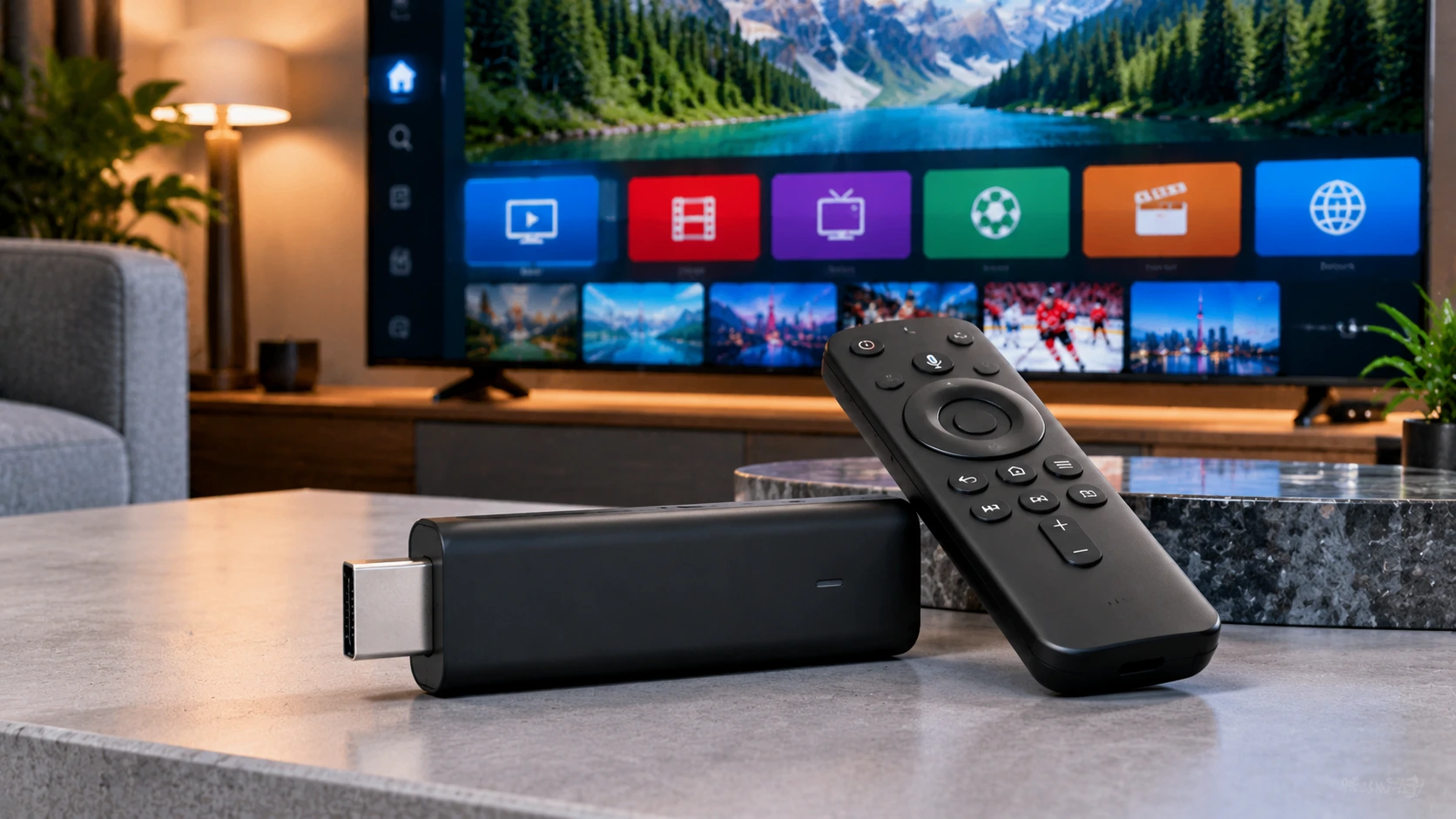
Written by the IPTVCND Editorial Team — Updated October 2026
For years, the answer to “which Firestick should I buy for IPTV?” was simple: any of them. That changed in late 2025, when Amazon started moving its Fire TV Sticks to a new operating system called Vega OS that does not allow sideloading Android apps. That means some brand-new Fire TV Sticks on store shelves in Canada cannot run TiviMate, STB Emu or other popular IPTV apps that are not in the Amazon Appstore. This guide explains which models to buy, which to avoid, and how to choose the right one for your TV.
Quick answer: For IPTV in 2026, buy the Fire TV Stick 4K Max (best overall) or the Fire TV Stick 4K Plus (best value), or the Fire TV Cube if you want Ethernet built in. These run Fire OS, which still supports sideloading, and Amazon has said they will get updates until 2030. Avoid the Fire TV Stick 4K Select and the new Vega OS Fire TV Stick HD if you want TiviMate or other sideloaded IPTV apps — they only run apps from the Amazon Appstore.
The Big Change: Fire OS vs Vega OS
Until 2025, every Fire TV device ran Fire OS, a version of Android. That is what made Firesticks so popular for IPTV: you could install the Downloader app and sideload any Android IPTV player. In October 2025, Amazon launched the Fire TV Stick 4K Select, the first model running Vega OS, a Linux-based system that only installs apps from Amazon’s own Appstore, as AFTVnews reported at launch. In April 2026, Amazon indicated that future Fire TV Sticks will also run Vega OS, as Pocket-lint explained.
| Fire OS models | Vega OS models | |
|---|---|---|
| Sideload apps (Downloader) | Yes | No |
| TiviMate, STB Emu, Kodi | Yes | No |
| Appstore IPTV players | Yes | Only those built for Vega OS |
| Examples | Fire TV Stick 4K Max, 4K Plus, Fire TV Cube | Fire TV Stick 4K Select, new Fire TV Stick HD |
The packaging does not always make the operating system obvious, so check the model name before you buy — especially during Black Friday and Prime Day sales, when the cheapest stick on sale may be a Vega OS model.
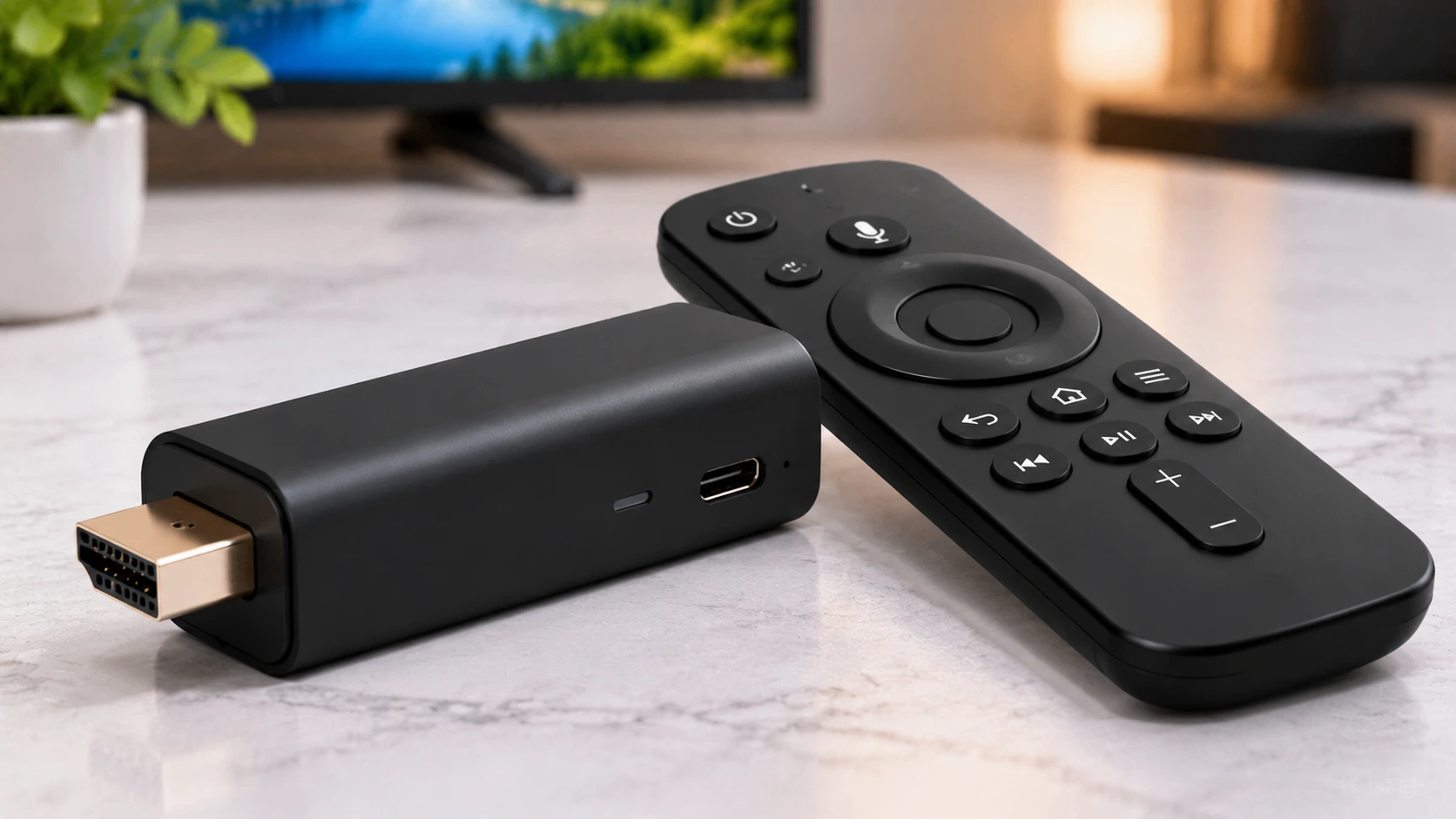
Best Firesticks for IPTV in Canada
1. Fire TV Stick 4K Max — best overall
The fastest Fire TV Stick, with Wi-Fi 6E support, more storage than other sticks and plenty of power for TiviMate’s grid guide and large channel lineups. Ideal for a main living-room TV. If your router supports Wi-Fi 6 or 6E, it delivers the most stable wireless streaming of any stick.
2. Fire TV Stick 4K Plus — best value
A Fire OS model with 4K, HDR and enough performance for IPTV apps, at a lower price than the Max. A great choice for bedrooms, basements and secondary TVs.
3. Fire TV Cube — best for wired connections
Not a stick, but worth considering: the Cube has a built-in Ethernet port, a faster processor and hands-free Alexa. If live sports buffering on Wi-Fi drives you crazy, the Cube’s wired connection is the fix.
Older models you may already own
Older Fire OS sticks, such as earlier 4K and 4K Max generations, still sideload IPTV apps. They may feel slower with big playlists, but they work. Check the model in Settings > My Fire TV > About.
How to Choose: A Quick Decision Table
| Your situation | Best pick |
|---|---|
| Main 4K TV, Wi-Fi 6 router | Fire TV Stick 4K Max |
| Secondary or bedroom TV | Fire TV Stick 4K Plus |
| Router right next to the TV, sports-heavy household | Fire TV Cube with Ethernet |
| Only want apps from the Amazon Appstore | Any model, including Vega OS sticks |
| Want maximum flexibility long-term | Consider a certified Android TV / Google TV device as well |
Because future Fire TV Sticks may not allow sideloading, it is worth knowing the alternatives. Our Firestick vs Android box comparison and our Android TV box setup guide cover them.
What You’ll Pay (and the One Accessory Worth Buying)
Firesticks are the cheapest way into IPTV. As a rough guide to 2026 Canadian street prices, the entry 4K model runs around $40–60, the 4K Max around $70, and the Fire TV Cube around $180–200. The Cube is the only one with built-in Ethernet — for the sticks, a $15–20 micro-USB Ethernet adapter is the single best upgrade for stable IPTV, because a wired connection eliminates most buffering. Whichever you pick, it still needs a reliable IPTV subscription in Canada behind it.
What About Your Internet?
The fastest stick cannot fix a weak connection. Plan for about 15 Mbps per HD stream and 25 Mbps or more for 4K, and check your real evening speed with Speedtest. Tips that help any Firestick:
- Use the included HDMI extender so the stick’s Wi-Fi antenna is not hidden behind the TV.
- Connect to the 5 GHz (or 6 GHz) band, not 2.4 GHz.
- Add Amazon’s Ethernet adapter if your router is close.
- Power the stick from the wall adapter, not the TV’s USB port.
Setting Up IPTV on Your New Firestick
- Set up the stick with your Amazon account and install updates.
- Install your IPTV player. Our step-by-step Firestick IPTV installation guide covers sideloading with Downloader, and our IPTV Smarters Pro on Firestick guide and TiviMate guide cover the two most popular players.
- Log in with your provider’s Xtream Codes details. Need them? Start with a free 24-hour trial.
- Keep the stick running smoothly by clearing caches regularly — see our guide to clearing the cache on a Firestick.
Buying Tips for Canadians
- Buy from reputable retailers such as Amazon.ca, Best Buy, Walmart or Staples. Avoid “fully loaded” Firesticks sold on marketplaces — they often come with unknown apps and services pre-installed.
- Watch the sales: Fire TV devices are heavily discounted during Prime Day and Black Friday, but double-check the model name.
- Keep the box and receipt in case you accidentally buy a Vega OS model and need to return it.
Get Started
StreamX works on all Fire OS Firesticks and the Fire TV Cube with IPTV Smarters, TiviMate and other players. Test it with a free trial and pick a plan on our pricing page. For other hardware, see our IPTV box guide.
Frequently Asked Questions
Which Firestick is best for IPTV in 2026?
The Fire TV Stick 4K Max is the best overall for IPTV, followed by the Fire TV Stick 4K Plus for value. Both run Fire OS and support sideloading IPTV apps.
Can the Fire TV Stick 4K Select run TiviMate?
No. The Fire TV Stick 4K Select runs Vega OS, which only installs apps from the Amazon Appstore, so sideloaded apps like TiviMate are not supported.
How do I know if my Firestick supports sideloading?
Check the model in Settings, My Fire TV, About. Fire OS models such as the 4K Max, 4K Plus and Fire TV Cube support sideloading; Vega OS models such as the 4K Select do not.
Is the Fire TV Cube better than a Firestick for IPTV?
The Cube is faster and has a built-in Ethernet port, which makes it excellent for live sports. It costs more, so it suits main TVs where a wired connection is possible.
Should I buy a fully loaded Firestick?
No. Pre-loaded sticks sold on marketplaces often include unknown apps and services. Buy a new stick from a reputable retailer and install apps yourself.
Which Firestick is best for 4K IPTV?
The Fire TV Stick 4K Max is the sweet spot — fastest processor and Wi-Fi 6 for smooth 4K. Choose the Fire TV Cube instead if you want built-in Ethernet and the fastest performance available.
Should I buy the newest Vega OS Firestick?
Be cautious. The newest Vega OS models change how apps install, so confirm your IPTV player is available for them first. If you rely on sideloading, a Fire OS stick is the safer choice today — see our Firestick sideloading guide.
How do I stop my Firestick buffering or slowing down?
Two fixes solve most cases: connect by Ethernet (or sit close to a 5 GHz router) and clear the app cache regularly. Our guide to clearing the Firestick cache covers it step by step.







