

Written by the StreamX Editorial Team — Updated June 2026
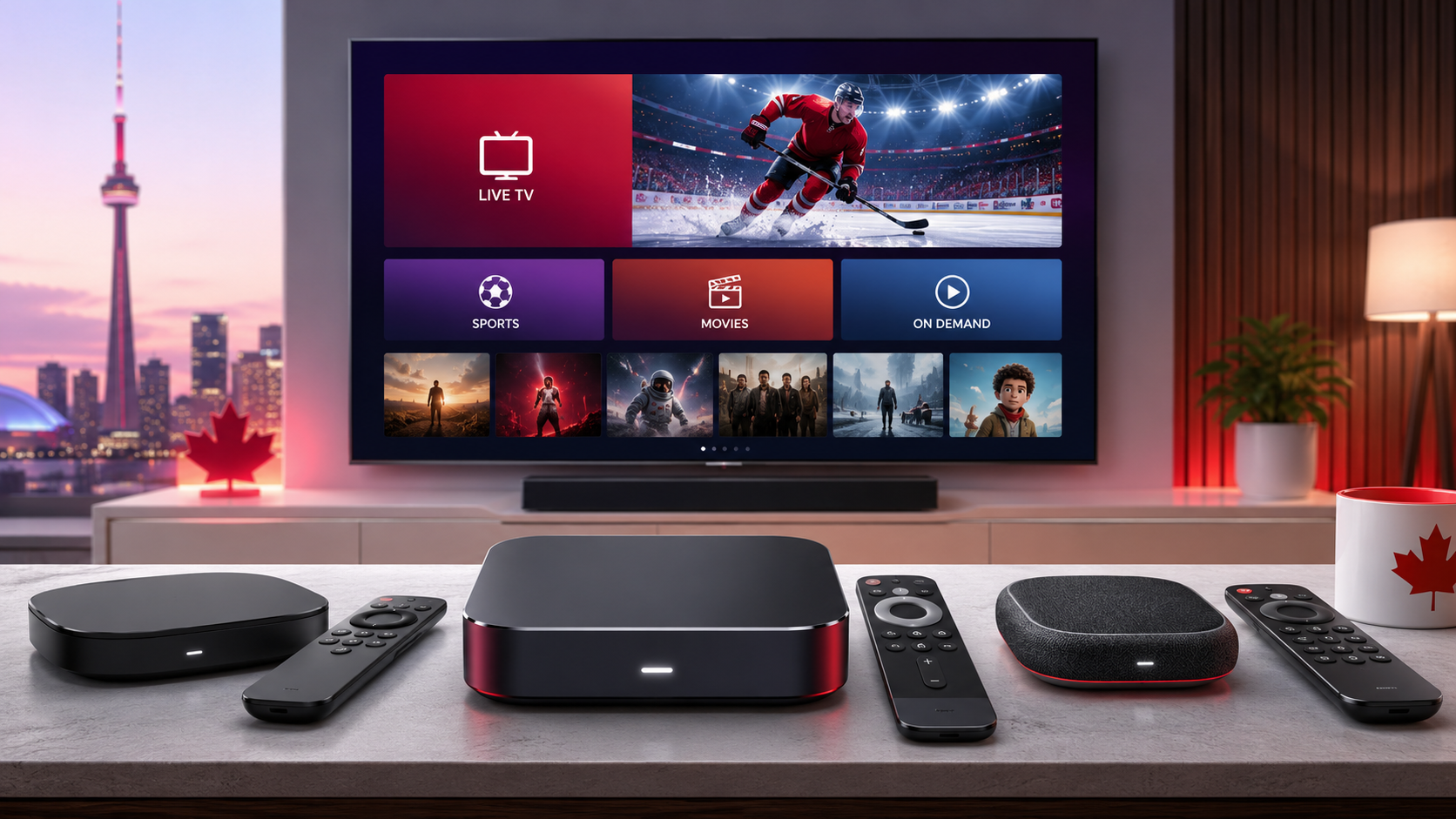
You want to stream television and need to know which device to use. The box you choose matters — the wrong hardware leads to buffering, app compatibility problems, and frustration. The right device delivers smooth HD and 4K streaming from day one. This guide covers every main device category used by Canadians looking for an iptv box canada in 2026, with a clear recommendation based on your specific setup. Finding the right hardware is the first step to a stable iptv canada experience.
Do You Need a Dedicated IPTV Box? (Or Do You Already Have One?)
Before buying anything, check what you currently own. Many Canadians already have a compatible device without realising it — you do not need to buy a special “IPTV box” if something in your living room already works.
If you have a Samsung or LG Smart TV from 2016 or newer, you can install IPTV Smarters Pro directly from the app store. No extra hardware needed. If you already own an Amazon Firestick, it is one of the best IPTV devices available — no upgrade required unless you specifically want 4K. If you have an Android TV box of any brand, install TiviMate or IPTV Smarters Pro — almost certainly compatible. If you have an iPhone, iPad, or Android phone, download the app and you are streaming.
Who actually needs to buy something? Anyone with a non-smart TV, an Apple TV, a Roku, or someone who wants the dedicated cable-box feel before committing to an iptv service.
The 5 Types of IPTV Boxes Used in Canada — Compared
Canadian IPTV users in 2026 fall into five main device categories. Each has a distinct use case — here is what separates them and who each one is for.
1. Amazon Firestick — Best Overall for Most Canadians
The Amazon Firestick 4K Max is the most popular IPTV device in Canada — not because it is the flashiest option, but because it is affordable, reliable, and has the widest app compatibility of any streaming stick on the market. It runs IPTV Smarters Pro and TiviMate without issues and handles 4K HDR streams without stutter.
Available at Amazon Canada, Best Buy Canada, and Walmart for around $50–$80 CAD. Because Fire OS is built on Android, almost all IPTV apps work natively. Add the Ethernet Adapter (~$20 CAD) for stable live sports streaming on Bell and Rogers connections — it makes a measurable difference during NHL playoff nights. The one limitation is Amazon’s locked interface: apps not in their store require sideloading, which is a one-time ten-minute process.
Best for: Canadians who want proven reliability, easy setup, and strong value before pairing with their iptv subscription.
2. BuzzTV Box — Best for the Cable-TV Experience
BuzzTV is a Canadian-market device built for IPTV from the ground up. The BuzzTV XRS 4500 and BuzzTV Classic are the most popular models in Canada. They run Android 11 with BuzzTV’s own interface designed specifically around channel surfing — a built-in IPTV player is included, so no sideloading is required.
The Classic model ships with 4GB of RAM and 64GB of storage, handling large M3U playlists without slowdown or crashes. It supports PVR natively, so you can record live television to USB storage. The remote has dedicated live TV and series buttons — it genuinely feels like a cable remote. Available from Canadian retailers including Newegg Canada for ~$140–$190 CAD. The trade-off is the proprietary ecosystem: BuzzTV does its core job exceptionally well but is less flexible than standard Android TV for general app use.
Best for: Users who want a dedicated IPTV box that feels and operates like a traditional cable box.
3. Formuler Z11 Pro Max — Best EPG & Programme Guide
The Formuler Z11 Pro Max is the choice for users who live in the TV guide. Its built-in MyTVOnline 3 app delivers the most polished electronic programme guide of any IPTV device — channel browsing, upcoming schedules, and catch-up navigation are all faster and more intuitive than on any competing hardware.
Under the hood: 4GB of RAM, 32GB of storage, dual-band Wi-Fi, and Gigabit Ethernet built in. Channel switching is fast — important when flipping between TSN1 and Sportsnet during concurrent games. The remote supports hotkey configuration, letting you assign buttons to your most-watched channels. Expect to pay ~$199–$219 CAD from Canadian retailers. The main limitation is that the EPG advantage is tied to MyTVOnline, which is proprietary to Formuler hardware. TiviMate runs on it fine, but if EPG depth is the reason you are buying this box, MyTVOnline is what delivers it. Google Play Store selection is also narrower than generic Android TV.
Best for: Live TV heavy-users who want the best channel guide experience and fast switching during live sports.
4. NVIDIA Shield TV Pro — Best for 4K & Power Users
The NVIDIA Shield TV Pro is the premium option — overkill for casual viewers, but the strongest-performing IPTV device available in Canada for anyone who wants the best picture quality and zero buffering. It runs full Android TV (Google TV), so TiviMate and IPTV Smarters Pro install natively with no sideloading and full Google Play Store access.
The Tegra X1+ processor handles 4K HDR streams that cause competing boxes to stutter. The built-in Gigabit Ethernet port is critical for stable 4K live sports on busy ISP networks like Telus Fibre or Rogers Ignite. It upscales lower-resolution streams to near-4K quality. At ~$259 CAD from Best Buy Canada, it is the most expensive option on this list. The consistent real-world report from Shield users is no buffering during peak NHL playoff traffic — which is the actual stress test that matters.
Best for: 4K TV owners, power users, and anyone who has experienced buffering on a less capable device and wants to eliminate it.
5. Android TV Box (Generic) — Best Budget Option
Generic Android TV boxes from brands like Xiaomi Mi Box S (~$60–$80 CAD) run TiviMate and IPTV Smarters Pro without issues. Running full Android TV means access to the complete Google Play Store — the most flexible option for app use across the five categories.
Dual-band Wi-Fi handles HD streams adequately; Ethernet is recommended for 4K. RAM is the key specification: 2GB is the minimum for smooth operation, 4GB is preferred. The limitation is processor power — cheaper boxes struggle with very large M3U playlists and high-bitrate 4K streams on ISPs that already throttle bandwidth, like Bell or Rogers.
Best for: Budget-conscious buyers and first-timers who want to test IPTV before investing in a premium device.
IPTV Box vs Smart TV — Do You Need a Separate Box?
If your TV is already a Smart TV, the answer is often no — but with important caveats.
Samsung Smart TVs running Tizen OS (2016 or newer) can install IPTV Smarters Pro directly from the Samsung app store. It works well for HD streams, though 4K reliability varies by model. LG Smart TVs running webOS are in the same position — Smarters Pro is available and functional for most HD viewing. Sony and other Android TV sets offer the best native IPTV experience: full Android TV means TiviMate and Smarters Pro both install from Google Play with no workarounds.
Older Smart TVs (pre-2016) and non-Android sets may lack app store access or the processing power for stable streams. In those cases, plug a Firestick into the HDMI port — it overrides the TV’s interface entirely and costs around $50 CAD. The practical rule: if your Smart TV installs and runs the app smoothly, you do not need a box. If it lags or the app is unavailable, a Firestick solves it immediately. Once your device is sorted, pair it with a transparent iptv provider and you are set.
What Specs Actually Matter in an IPTV Box?
Cut through the spec-sheet marketing. Only four specifications affect real-world IPTV performance.
RAM (minimum 2GB, recommended 4GB) — RAM determines how many channels your app loads and buffers simultaneously. Devices under 2GB cause app freezing and slow channel switching, particularly with large M3U playlists containing thousands of entries.
Processor — A capable processor handles high-bitrate 4K streams and large playlists without stuttering. Quad-core ARM is the baseline; anything with a Cortex-A55 or better handles 4K reliably. This is where cheap generic boxes fail under load.
Network (Ethernet preferred, dual-band Wi-Fi minimum) — A wired Ethernet connection is always more stable than Wi-Fi for live IPTV, especially during high-traffic events like NHL playoffs or UFC PPV nights. If Ethernet is not an option, 5GHz dual-band Wi-Fi is the minimum for reliable 4K.
Storage (16GB minimum, 32GB recommended) — IPTV apps and EPG data cache to device storage. Insufficient storage triggers “low storage” warnings that degrade stream performance on cheaper devices and force you to clear cache regularly.
Which IPTV Box Should You Buy in Canada? (Quick Decision Guide)
If you want the best value and easiest setup → Amazon Firestick 4K Max. Widely available across Canada, works with all IPTV apps, handles 4K, and costs ~$60 CAD.
If you want the cable TV feel with a dedicated remote → BuzzTV XRS 4500 or Classic. Built specifically for IPTV, operates like a cable box, available at Newegg Canada.
If the channel guide and live TV browsing experience matter most → Formuler Z11 Pro Max. The strongest EPG of any IPTV hardware, fast channel switching for live sports.
If you have a 4K TV and want zero buffering → NVIDIA Shield TV Pro. The most capable streaming device available in Canada, handles peak NHL playoff traffic without dropping frames.
If you are on a budget and want to test before committing → Xiaomi Mi Box S or any Android TV box with 2GB+ RAM and dual-band Wi-Fi. Full Google Play Store, runs all major IPTV apps.
Match your box to your situation and you will find the best iptv experience for your specific setup.
IPTV Box Canada — Frequently Asked Questions
What is the best IPTV box in Canada in 2026?
For most Canadians, the Amazon Firestick 4K Max is the best overall choice — affordable, widely available, and compatible with all major IPTV apps. For the cable-TV experience, the BuzzTV Classic is the Canadian favourite. For the strongest picture quality and zero buffering, the NVIDIA Shield TV Pro is unmatched.
Do I need a special box to use IPTV in Canada?
Not necessarily. If you already have a Samsung or LG Smart TV, an Android TV box, or an Amazon Firestick, you can likely install IPTV Smarters Pro or TiviMate directly and start streaming. A dedicated box is only needed if your current device is incompatible or underpowered.
What internet speed do I need for IPTV on a 4K box?
A minimum of 25 Mbps for stable 4K IPTV streams; 10 Mbps is sufficient for HD. Most Canadian home internet plans from Bell, Rogers, Telus, and Videotron comfortably exceed these requirements without any upgrades.
Can I use a VPN with my IPTV box in Canada?
Yes — all the devices listed above support VPN apps. Many Canadian users run a VPN on their IPTV box to prevent ISP throttling from Bell or Rogers, which can degrade high-bandwidth streams during peak viewing hours. WireGuard-based VPNs add the least latency for live streams.
Is buying an IPTV box in Canada legal?
Yes — streaming devices are legal products sold openly at Amazon Canada, Best Buy Canada, and Walmart. The devices themselves are neutral technology. For the full breakdown of what Canadian law says about IPTV content, see our complete guide: is iptv legal in canada.
Once your device is sorted, the next step is pairing it with a reliable subscription. The most reliable way to confirm compatibility with your specific box and internet connection is to test before paying. Start with an iptv free trial — no credit card, no commitment — and verify the service holds up on your setup before you commit to anything. That is what we recommend, and it is how every experienced Canadian iptv user starts.







