

Written by the StreamX Editorial Team — Updated June 2026
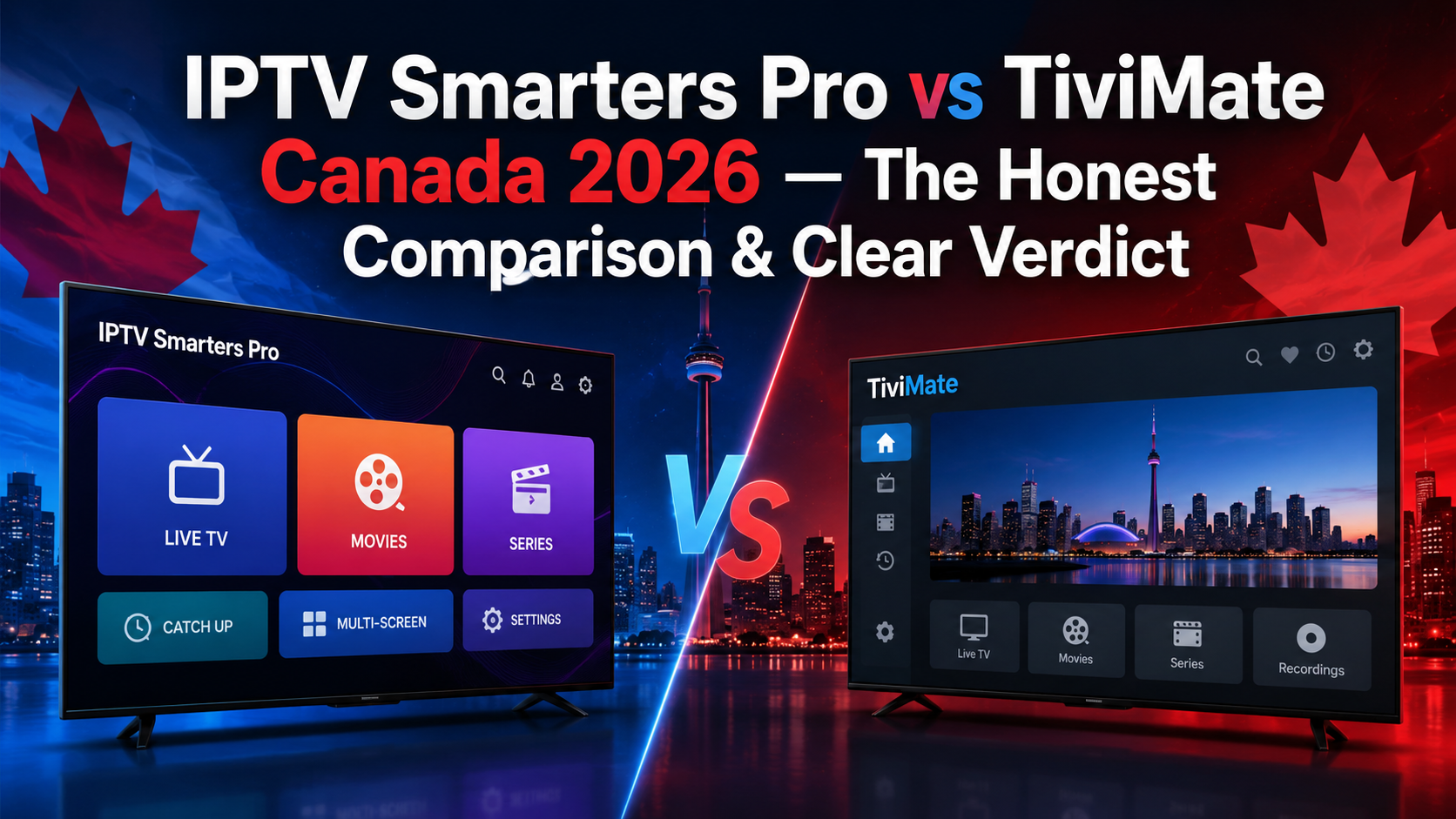
TiviMate is the better app for Firestick and Android TV users who watch a lot of live TV and sports. IPTV Smarters Pro is the better choice for anyone who also uses an iPhone, iPad, Windows PC, or Samsung/LG Smart TV — because TiviMate does not exist on those platforms. The rest of this guide explains the iptv smarters pro vs tivimate canada debate and gives a clear verdict for seven specific situations for your iptv canada setup.
What These Apps Actually Are (And What They’re Not)
Both applications are IPTV players — they do not provide channels, media streams, or an iptv subscription on their own. They are the interface between your provider and your screen. Your provider supplies credentials — typically an Xtream Codes API login or an M3U URL — and the app uses that data to display your live channels and on-demand content.
The practical implication is worth stating clearly. Switching from one app to the other costs nothing and requires no changes to your account or subscription details. You enter the same Xtream Codes credentials into whichever player you choose. The decision is purely about interface, features, device compatibility, and which app fits your viewing habits.
Platform Compatibility — The Deciding Factor for Most Canadians
This is the section that resolves the question for the majority of readers. Platform compatibility is the most important factor for most Canadian households looking for a reliable iptv service.
TiviMate works on: Android TV, Amazon Firestick (all models, sideloaded), NVIDIA Shield, Fire TV Cube, Chromecast with Google TV, Android phones, and Android tablets.
TiviMate does NOT work on: iPhone, iPad, Apple TV, Samsung Smart TV (Tizen), LG Smart TV (webOS), Windows PC, or Mac. If any device in your household runs iOS or is a Samsung or LG Smart TV, TiviMate cannot function as your universal household app.
IPTV Smarters Pro works on: Android, Android TV, Amazon Firestick (sideloaded), iOS/iPadOS (available directly on the App Store), Windows, Mac, Samsung Smart TV (Tizen), and LG Smart TV (webOS).
Many Canadian homes have a mix of devices — a Firestick in the living room, an iPhone in the bedroom, and a Samsung Smart TV in another room. If that describes your household, Smarters Pro is the only app that runs on all three without needing a different solution per device. If your entire household runs on Firestick and Android only, TiviMate is the better experience. One iPhone or Smart TV changes the calculation entirely.
EPG & TV Guide — The Biggest Practical Difference
The EPG (Electronic Program Guide) is where TiviMate and Smarters Pro differ most in day-to-day use. TiviMate’s EPG is a full cable-TV-style grid — your current channel plays in a corner while you browse a programme guide showing 7 to 14 days of schedules across all channels, with network logos displaying automatically via Xtream Codes. For Canadian sports viewers, this means seeing at a glance when the Leafs game starts on Sportsnet Ontario, when TSN switches from NHL to NFL, and when CBC’s Hockey Night in Canada begins — without opening any other app. Catch-up (Premium, provider-dependent) lets you scroll backward in the EPG and watch programs that already aired. Timezone configuration, set to your Canadian province, keeps all broadcast times accurate.
IPTV Smarters Pro’s EPG is functional but less polished. The programme guide loads schedule information automatically via Xtream Codes API (or manually via M3U URL), but the dashboard-style interface is less intuitive for traditional channel surfing and lacks TiviMate’s grid-style navigation. For viewers who search for specific channels rather than browse, this difference is minor. For live sports viewers flipping between TSN and Sportsnet during commercial breaks, it matters.
Verdict: TiviMate — no contest on EPG quality for live TV and sports.
Features Comparison — Free vs Premium Reality
TiviMate’s free tier sounds appealing but is limited in practice. Most users who install TiviMate intending to use the free version hit its walls within the first week.
| Feature | Smarters Pro (Free) | TiviMate Free | TiviMate Premium |
| Live TV playback | ✓ | ✓ | ✓ |
| VOD & Series | ✓ | ✗ | ✓ |
| Multiple playlists | ✓ | ✗ | ✓ |
| EPG | ✓ functional | ✓ grid, best-in-class | ✓ |
| Favourites & custom groups | ✓ | ✗ | ✓ |
| Recording (DVR) | ✗ | ✗ | ✓ |
| Multi-view | ✗ | ✗ | ✓ up to 4 on Firestick 4K Max |
| Catch-up / Timeshift | ✗ | ✗ | ✓ if provider supports |
| Parental controls | ✓ | ✗ | ✓ |
| Platforms | All incl. iOS | Android / Fire TV only | Android / Fire TV only |
TiviMate Premium pricing:
- Annual: ~$4.99–$9.99 USD/year
- Lifetime: ~€33.99 one-time — most power users choose lifetime
- Cannot be purchased from inside TiviMate — requires the TiviMate Companion app on Google Play (Android only), then activate on your Firestick
For Firestick users who watch VOD or want to manage multiple playlists, TiviMate Free is not a practical daily driver — Premium is required for a full experience. Smarters Pro free gives you everything functional out of the box.
Performance on Canadian ISPs — Bell, Rogers & Throttling
Both apps support the Xtream Codes API — recommended over M3U for Canadian ISPs — and both handle stream reconnection on dropped connections. TiviMate Premium’s auto-reconnect is more aggressive: if a stream drops during peak hours due to Bell or Rogers throttling between 7pm and 10pm, TiviMate reconnects faster and more reliably. TiviMate Premium’s timeshift buffer also means a brief interruption does not mean you miss a goal — you can rewind 30 to 60 seconds.
Both apps support external video players (MX Player, VLC) if the built-in player has audio sync issues on specific Canadian channel stream formats — this occasionally happens with TSN and Sportsnet feeds on older hardware. Both apps work equally well with VPN apps at the device level: NordVPN, ExpressVPN, and ProtonVPN all function identically with either app.
Canadian EPG timezone setup is essential for both. Without it, your TSN, Sportsnet, and CBC schedules show incorrect start times. In Smarters Pro: Settings → General → Time Zone. In TiviMate: Settings → EPG → Time Zone. Even when a good iptv provider sends correct server times, setting the local display timezone is still necessary.
Clear Verdict — Which App Should You Install?
- You have a Firestick or Android TV box and mostly watch live sports Install TiviMate Premium. The cable-TV grid EPG and multi-view make it the best sports-watching experience on Firestick. The ~$5–10 USD/year upgrade cost is minor compared to the daily usability improvement.
- You have a Firestick but also an iPhone or iPad Install IPTV Smarters Pro on both devices. TiviMate does not exist on iOS — Smarters Pro is your cross-device solution that uses the same Xtream Codes login everywhere.
- You have a Samsung or LG Smart TV (Tizen or webOS) Install IPTV Smarters Pro directly from the TV’s app store. TiviMate is not available on any Smart TV platform — Smarters Pro is the only option on these devices.
- You want to record live Leafs games or schedule NHL recordings Install TiviMate Premium. Recording to a USB drive attached to your Firestick or a network drive (SMB/NAS) is a Premium feature — Smarters Pro has no recording capability in its standard version.
- You want to try IPTV for the first time with zero upfront cost Start with IPTV Smarters Pro (completely free). Test it for a month and switch to TiviMate Premium once you are confident in your subscription and want the full cable-TV experience.
- You have Windows PC or Mac as your primary viewing device Install IPTV Smarters Pro — TiviMate has no Windows or Mac version. Smarters Pro works natively on both.
- You want to watch VOD and on-demand content as well as live TV IPTV Smarters Pro if you want free VOD access — TiviMate Free blocks VOD entirely. TiviMate Premium if you are willing to pay for the cleaner, more organised interface alongside the best iptv content your subscription delivers.
How to Set Up Each App on Your Firestick (Quick Guide)
Setting Up IPTV Smarters Pro on Firestick
- Enable sideloading: Settings → My Fire TV → Developer Options → Install Unknown Apps → Downloader → ON
- Open Downloader, enter code 730116, download IPTV Smarters Pro, install it, then delete the APK file from Downloader
- Open the app → select TV layout → tap Add New User
- Select Login with Xtream Codes API → enter your Server URL, Username, and Password → tap Add User
- Go to Settings → General → Time Zone → select your province
Setting Up TiviMate on Firestick
- Enable sideloading (same path as above)
- Open Downloader → navigate to tivimate.com → download the Android APK → install → delete the APK file from Downloader
- Open TiviMate → tap Add Playlist → select Xtream Codes
- Enter your Server URL, Username, Password → tap Next
- Go to Settings → EPG → Time Zone → select your province
- To unlock Premium: install the TiviMate Companion app on your Android phone via Google Play → purchase Premium there → log in on your Firestick to activate
For the complete setup guide including troubleshooting, see the dedicated iptv smarters pro canada article and the TiviMate setup guide for your iptv configuration.
IPTV Smarters Pro vs TiviMate — Frequently Asked Questions
Is TiviMate better than IPTV Smarters Pro for Firestick?
For Firestick users who primarily watch live TV and sports, TiviMate Premium is the better experience — the cable-TV-style EPG grid, multi-view, and recording capability make it the preferred choice for daily live TV use. For households that also use iOS devices or Smart TVs, Smarters Pro’s cross-platform support makes it the more practical choice overall.
Can I use TiviMate on iPhone or Samsung TV?
No. TiviMate is exclusively available for Android TV, Amazon Firestick, Chromecast with Google TV, NVIDIA Shield, and Android phones. It is not available on iOS, Apple TV, Samsung Tizen, LG webOS, Windows, or Mac. For those devices, IPTV Smarters Pro is the correct app.
Is TiviMate free or do I need to pay?
TiviMate has a free version, but it is limited — one playlist, no recording, no multi-view, no VOD playback, no catch-up, and no favourites management. The Premium version (~$4.99–$9.99 USD/year or ~€33.99 lifetime) unlocks all of these features. Most users who want a full experience find the Premium upgrade necessary within the first week.
Do both apps work with the same IPTV credentials?
Yes — both IPTV Smarters Pro and TiviMate use the same Xtream Codes API credentials (Server URL, Username, Password) or M3U URL from your provider. Switching from one app to the other requires no changes to your subscription — enter the same credentials into the new app and you are done.
Which app is better for watching TSN and Sportsnet in Canada?
Both apps deliver the same stream quality for TSN and Sportsnet — the difference is the navigation experience. TiviMate’s EPG grid makes it easy to see when games start, switch between Sportsnet regional feeds, and catch up on content you missed. Set your Canadian timezone in either app or your programme times will be incorrect.
This iptv smarters pro vs tivimate canada comparison comes down to your devices and your viewing habits. On a Firestick or Android TV box watching live sports — TiviMate Premium is worth every dollar of the annual cost. With mixed devices in your home — Smarters Pro is the practical choice that works everywhere. Either way, your IPTV subscription is what delivers the content. Test it first with an iptv free trial — no credit card, 24-hour full access — before committing to either app or plan.







