

Written by the IPTVCND Editorial Team — Updated October 2026
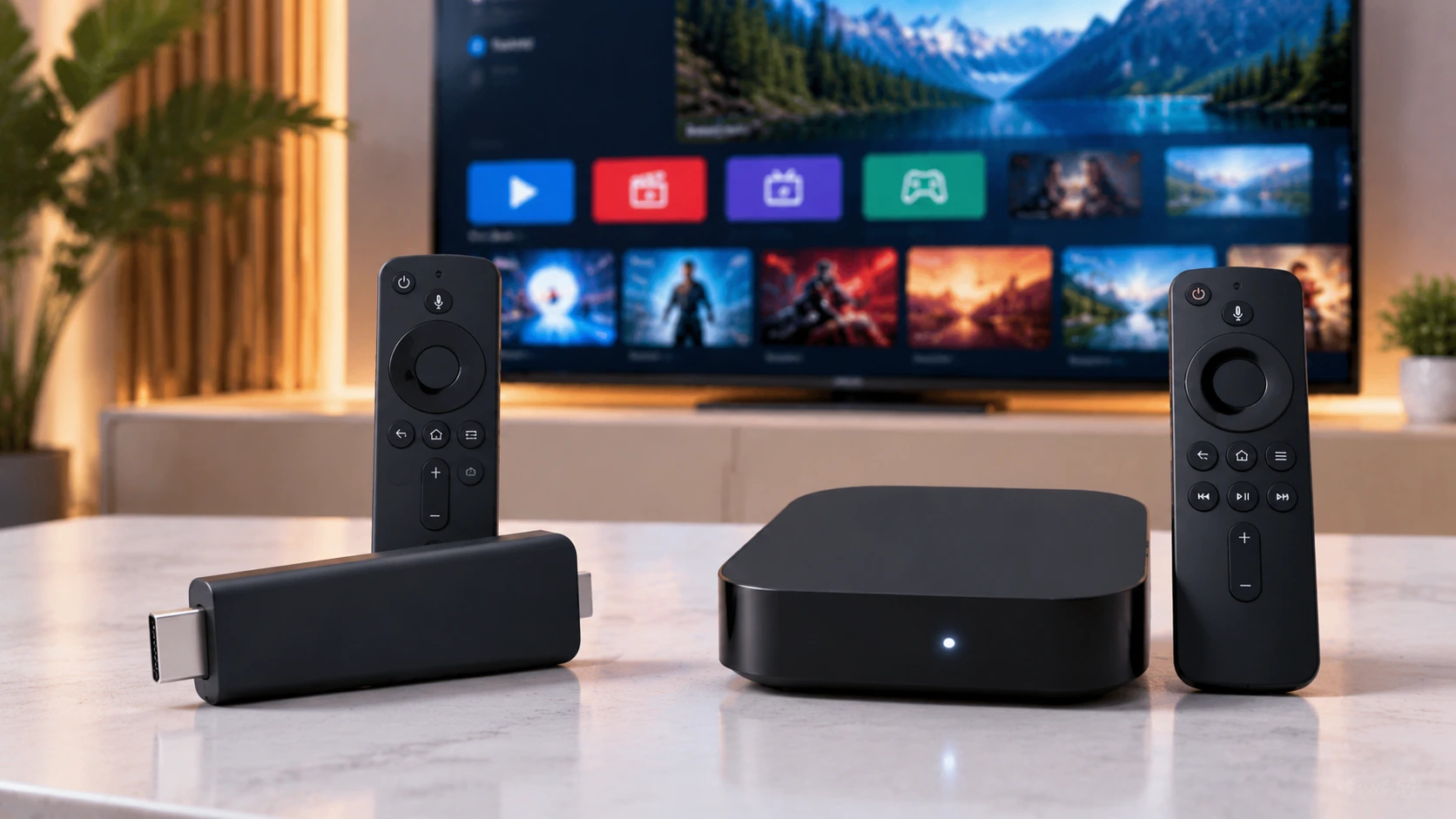
The two most popular ways to add IPTV to a TV in Canada are an Amazon Fire TV Stick and an Android TV box. Both plug into HDMI, both run IPTV player apps, and both can deliver an excellent experience. But they suit different households — and Amazon’s 2025 switch to a new operating system on some Fire TV Sticks has changed the comparison. This guide compares them on everything that matters for IPTV and gives a clear recommendation for each situation.
Quick answer: A Fire TV Stick 4K Max or 4K Plus is the best choice for most people: affordable, simple and fully capable of running IPTV Smarters or TiviMate. Choose an Android TV / Google TV box if you want a wired Ethernet port, more storage, recording, long-term app freedom or the best performance on a main TV. Avoid Vega OS Fire TV Sticks (like the 4K Select) if you plan to sideload IPTV apps.
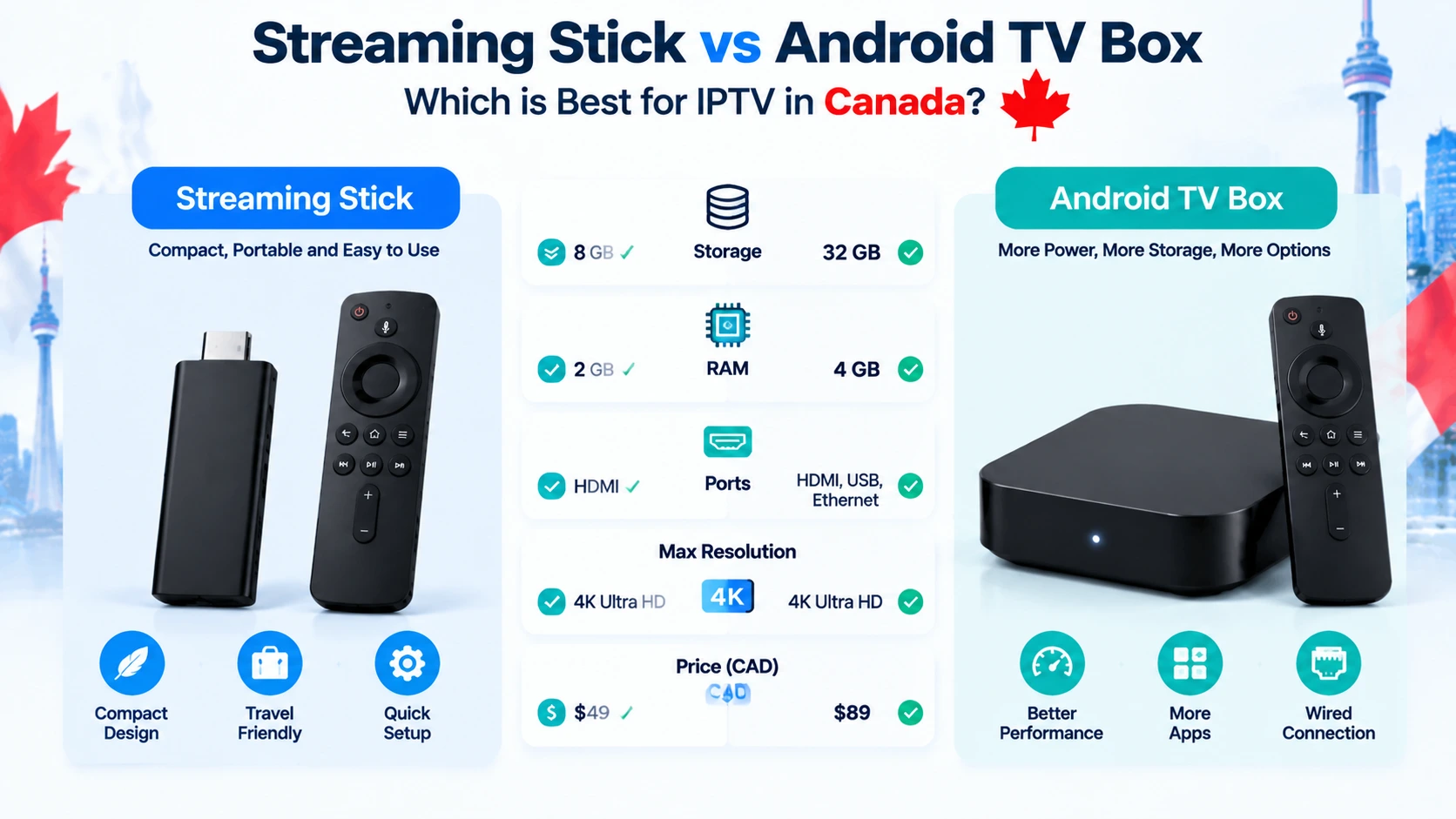
Side-by-Side Comparison
| Fire TV Stick (Fire OS) | Android TV / Google TV box | |
|---|---|---|
| Typical price in Canada | ~$50–$90 | ~$70–$300 depending on model |
| Setup difficulty | Easy; sideloading takes 10 minutes | Easy; many IPTV apps in Google Play |
| App store | Amazon Appstore (limited IPTV apps) | Google Play (wider selection) |
| Sideloading | Yes on Fire OS models; no on Vega OS models | Yes |
| Ethernet | Adapter required (Fire TV Cube has it built in) | Built in on most boxes |
| Storage | Limited (8–16 GB) | Often 16–32 GB+, USB expansion |
| Recording | Possible but limited by storage | Better, with USB drives |
| Portability | Excellent — fits in a pocket | Less portable |
| Interface | Amazon-focused with ads and sponsored rows | Google TV recommendations; cleaner on some boxes |
| Future-proofing | New sticks moving to Vega OS | Android TV remains open |
The Vega OS Change You Need to Know About
In October 2025, Amazon released the Fire TV Stick 4K Select, its first stick running Vega OS — a Linux-based system that only allows apps from the Amazon Appstore. In April 2026, Amazon indicated future Fire TV Sticks would follow, as reported by Pocket-lint. Fire OS models such as the 4K Max and 4K Plus still allow sideloading and are expected to receive updates until 2030. For IPTV users, that means:
- Buy a Fire OS model if you want a Firestick — see our guide to the best Firestick for IPTV.
- If you want maximum long-term freedom, an Android TV box is the safer bet.
Performance for Live TV
For a single HD stream with IPTV Smarters, any modern Fire OS stick is more than enough. Differences show up with:
- Large playlists and grid guides: TiviMate with thousands of channels loads faster on a powerful box like the Nvidia Shield.
- 4K HDR sports: both the Fire TV Stick 4K Max and good Android boxes handle it, but a wired box is more consistent. See our 4K IPTV guide.
- Multi-view and recording: boxes with more memory and USB storage handle these better.
Wi-Fi vs Ethernet
The biggest real-world cause of IPTV buffering is Wi-Fi, not the device. Most Android boxes have an Ethernet port, which makes them the better choice for a TV near the router — especially for live hockey on a busy Saturday night. Firesticks can use Amazon’s Ethernet adapter, and the Fire TV Stick 4K Max supports Wi-Fi 6E for strong wireless performance. Test your connection at peak time with Speedtest; aim for 15 Mbps per HD stream.
Safety: Avoid Uncertified Boxes and “Loaded” Sticks
Cheap uncertified Android boxes sold online often run outdated Android without security updates, and some have shipped with pre-installed malware. Check Google’s Play Protect certified devices list before buying. Likewise, avoid “fully loaded” Firesticks sold on marketplaces — buy a new device from a reputable retailer and install apps yourself.
Popular Models & Canadian Prices (2026)
To make it concrete, here are the devices Canadians actually buy for IPTV, with rough 2026 street prices. Sticks are cheaper and simpler; boxes cost more but add power, storage and (on IPTV boxes) a built-in player.
| Device | Type | ~Price (CAD) | IPTV notes |
|---|---|---|---|
| Fire TV Stick 4K Select | Stick (new Vega OS) | ~$40 | Newest OS — confirm your IPTV app is available before relying on it |
| Fire TV Stick 4K | Stick (Fire OS) | ~$60 | Sideloads TiviMate/Smarters easily |
| Fire TV Stick 4K Max | Stick (Fire OS) | ~$70 | Fastest stick, Wi-Fi 6 |
| Google TV Streamer | Box | ~$120–140 | Certified apps + Dolby Vision; add a player |
| Nvidia Shield TV Pro | Box | ~$270–300 | Most powerful, longest software support |
| Formuler Z11 Pro Max | IPTV box | ~$230–270 | Built-in MYTVOnline player |
| BuzzTV XRS4900 | IPTV box | ~$230–270 | Built-in player plus recording |
Prices move with sales and retailer, so treat them as ballpark. For deeper picks, see our best Firestick for IPTV guide and our Formuler vs BuzzTV vs Android box comparison. Whatever you choose, pair it with a reliable IPTV subscription in Canada.
Which Should You Buy?
| Your situation | Recommendation |
|---|---|
| First IPTV setup, one TV, budget-conscious | Fire TV Stick 4K Plus |
| Main 4K TV, Wi-Fi only | Fire TV Stick 4K Max |
| Main TV near the router, sports fan | Android TV box with Ethernet (or Fire TV Cube) |
| Want TiviMate with recording and multi-view | Nvidia Shield or similar powerful Android box |
| Travelling, cottage, hotels | Fire TV Stick (most portable) |
| Want a cable-box-style remote and dedicated IPTV device | IPTV-focused Android boxes like Formuler or BuzzTV |
For dedicated IPTV boxes, see our Formuler setup guide and BuzzTV setup guide.
Setting Up Either Device
- Firestick: follow our Firestick IPTV installation guide.
- Android box: follow our Android TV box setup guide.
- Choose a player: compare options in Smarters Pro vs TiviMate.
Get Started
StreamX works on Fire OS sticks, Fire TV Cube and Android TV boxes alike. Try it with a free 24-hour trial on the device you already own before buying new hardware, then choose a plan on our pricing page.
Frequently Asked Questions
Is a Firestick or Android box better for IPTV?
A Fire OS Firestick is the best value for most people. An Android TV box is better if you want Ethernet, more storage, recording or long-term app freedom.
Can all Firesticks run IPTV apps?
No. Fire OS models like the 4K Max and 4K Plus can sideload IPTV apps, but Vega OS models like the Fire TV Stick 4K Select only run Amazon Appstore apps.
Do Android TV boxes have Ethernet?
Most do. A wired connection gives the most stable IPTV streaming, especially for live sports.
Are cheap Android boxes safe?
Uncertified boxes can be risky because they often lack security updates and some have shipped with malware. Choose a Google-certified device.
Which device is best for TiviMate?
TiviMate runs well on both Fire OS sticks and Android TV boxes. For large playlists, recording and multi-view, a powerful Android box like the Nvidia Shield performs best.
Will a Fire TV Stick 4K Select run my IPTV app?
The 4K Select uses Amazon’s newer Vega OS rather than the Android-based Fire OS, which changes how apps are installed. Mainstream players are being updated for it, but if sideloading flexibility matters to you, a Fire OS stick (4K or 4K Max) or an Android box is the safer pick today.
Do I really need an Android box, or is a stick enough?
For one TV with a decent playlist, a Fire TV Stick 4K or 4K Max is plenty. Step up to a box if you want wired Ethernet, large playlists without slowdowns, recording to a drive, or the longest software support (Nvidia Shield). See our Android TV box setup guide if you go that route.
Which is better for 4K and recording?
For 4K with Dolby Vision, a certified box (Google TV Streamer or Nvidia Shield) leads. For recording, an IPTV box like BuzzTV or Formuler with USB/drive support is simplest, while sticks rely on a player’s recording feature such as TiviMate Premium.







