

Written by the StreamX Editorial Team — Updated October 2026
Formuler’s Z-series boxes are among the most popular dedicated IPTV devices in Canada. They run Android, ship with the MYTVOnline player — one of the most cable-like IPTV apps available — and come with a remote designed for live TV. If you have a Formuler Z11 Pro, Z11 Pro Max or a similar model, this guide walks you through setup from the first boot, shows you how to connect your IPTV service in MYTVOnline, and explains the remote shortcuts and settings that make daily use smooth.
Quick answer: Connect your Formuler by Ethernet, run the system and MYTVOnline updates, then open MYTVOnline and add your IPTV service. You can log in with a portal URL (your provider activates the box’s MAC address) or with Xtream Codes details, depending on your provider. Like BuzzTV, Formuler is hardware only — the channels come from your IPTV subscription.
Formuler Is the Box, Not the Service
Formuler boxes do not include channels. Searches for “Formuler subscription” usually come from people who bought a box with a pre-loaded service from a reseller. Before paying for any bundled “channels”, check the provider using our guide on how to choose a trusted IPTV provider. If you are new to IPTV, our explainer What is IPTV? covers the basics.
Which Formuler Model Do You Have?
| Model family | Typical use | Notes |
|---|---|---|
| Z11 Pro Max | Main living-room TV | More storage and memory; good for recording |
| Z11 Pro | Main or secondary TV | The most common current model |
| Z10 series and older | Secondary TVs | Still usable; may be slower with large playlists |
| Formuler GTV | Google TV-style experience | Certified Android TV with Google Play |
Check the model name on the bottom of the box or in Settings > About.
Step 1: First Boot and Updates
- Connect HDMI, power and Ethernet. Formuler boxes perform best wired.
- Choose language and time zone. The correct time zone keeps the TV guide accurate.
- Update the system: open Settings and look for System Update or the Formuler update centre. Install everything, then restart.
- Update MYTVOnline from the Formuler app market or update centre.
Step 2: Add Your IPTV Service in MYTVOnline
MYTVOnline supports two common login types. Your provider will tell you which to use.
Option A: Portal (MAC address) login
- Open MYTVOnline. The box’s MAC address is shown on the start screen or under Settings > About.
- Send the MAC address to your provider so they can activate it.
- In MYTVOnline, choose Add Portal (or “Add connection”), enter a name and the portal URL your provider gave you.
- Select Connect and wait for channels and the guide to load.
Option B: Xtream Codes login
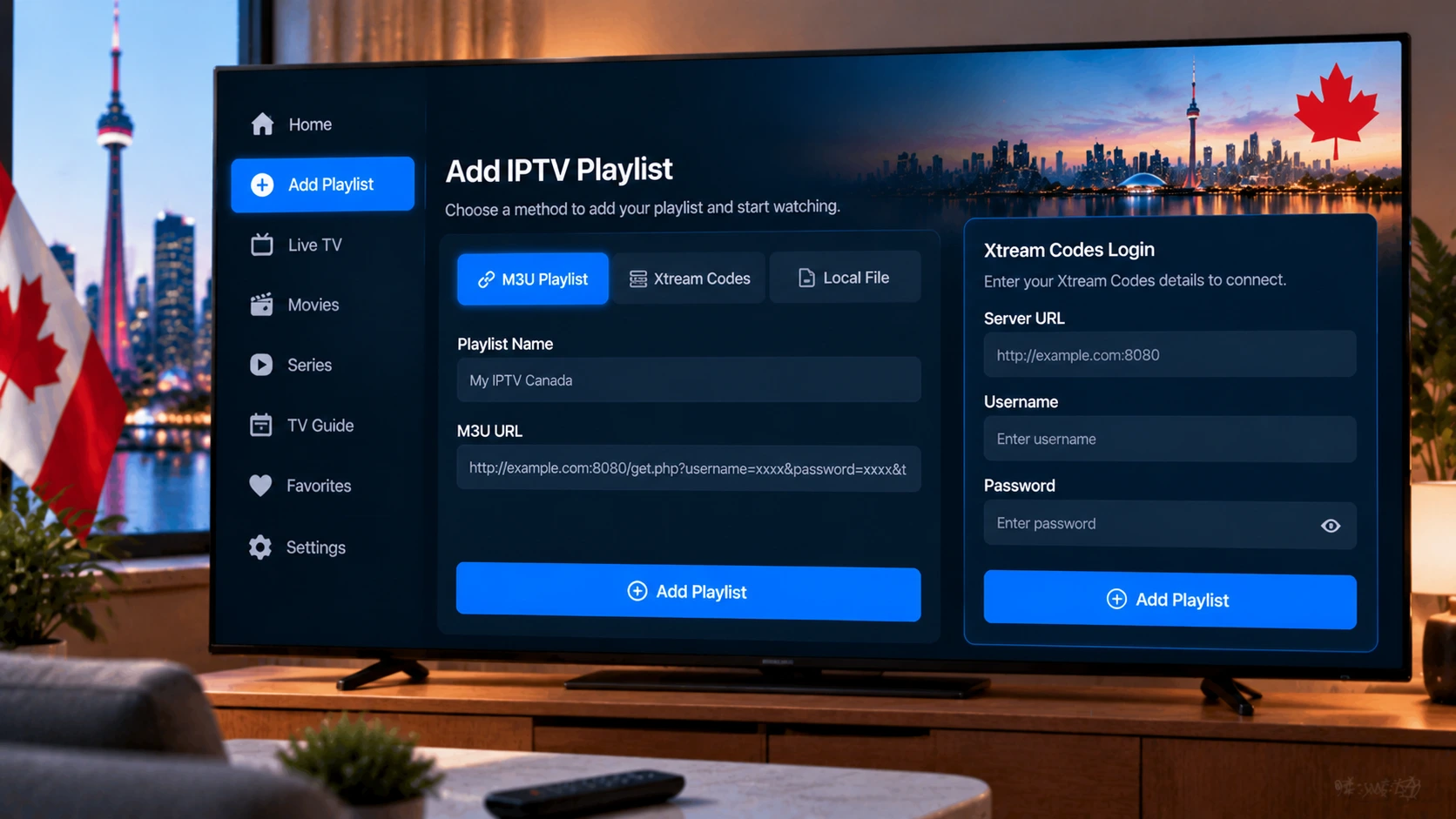
- In MYTVOnline, add a new connection and choose the Xtream Codes / server login option.
- Enter the server URL, username and password exactly as supplied.
- Save and connect.
Not sure which you have? Our guide to M3U and Xtream Codes explains the different login formats. Want to test before buying? Request a free 24-hour trial.
Getting the Most From the Formuler Remote
- Guide / EPG button: opens the full grid guide instantly.
- Number keys: type channel numbers like a cable box once you set up your channel order.
- Colour buttons: shortcuts for favourites, recording and other functions in MYTVOnline (exact functions vary by version).
- Programmable keys: many Formuler remotes let you assign TV power and volume so you can control the TV with one remote.
- Bluetooth and voice: newer remotes support voice search and do not need line-of-sight.
If the remote stops responding, replace the batteries first, then re-pair it following the instructions in Settings > Remote & Accessories.
Recommended MYTVOnline Settings
| Setting | Recommendation | Why |
|---|---|---|
| Favourite groups | Create groups like “Sports”, “News”, “Kids” | Faster navigation with large lineups |
| Hide unused categories | Hide languages and countries you never watch | Faster loading and a cleaner guide |
| Buffer / cache | Use a larger buffer for live sports | Absorbs short network hiccups |
| Auto frame rate | On, if your TV supports it | Smoother motion for hockey |
| Recording location | Use a USB drive for recordings | Saves internal storage |
| Parental lock | PIN on mature categories | Family-friendly guide |
For sports, add the regional feeds that carry your team — our TSN and Sportsnet feed guide lists them.
Prefer TiviMate? You Can Use Both
Because Formuler boxes run Android, you can install other players alongside MYTVOnline. Many users keep MYTVOnline for live TV and recording and use another player for on-demand content, or switch entirely to TiviMate. See our TiviMate setup guide and our best IPTV player comparison.
Troubleshooting
- “Portal not found” or login error: confirm your provider has activated the exact MAC address and re-check the portal URL.
- Guide times off: correct the box time zone and refresh the EPG.
- Buffering: use Ethernet, restart the router and box, and test with Speedtest — about 15 Mbps per HD stream. More fixes are in our buffering guide.
- Slow menus: clear the MYTVOnline cache, hide unused categories, and restart weekly.
- Recordings fail: check that the USB drive has free space and is formatted in a supported format.
Formuler vs Other IPTV Devices
Formuler boxes are a great fit for households that want a dedicated cable-style experience with recording. If you are comparing them with BuzzTV or a general Android box, read our Formuler vs BuzzTV vs Android box comparison and our IPTV box guide.
Get Started
StreamX works on Formuler boxes with MYTVOnline and other players. Start with a free trial and choose your plan on the pricing page.
Frequently Asked Questions
Does a Formuler box come with IPTV channels?
No. Formuler sells the hardware and MYTVOnline player. You need a separate IPTV subscription to watch channels.
How do I add IPTV to MYTVOnline on Formuler?
Either give your provider the box’s MAC address and add their portal URL in MYTVOnline, or use the Xtream Codes option with your server URL, username and password.
Where do I find my Formuler MAC address?
It appears on the MYTVOnline start screen and in the box’s Settings, About section.
Can I use TiviMate on a Formuler Z11?
Yes. Formuler boxes run Android, so you can install TiviMate or other IPTV players alongside MYTVOnline.
Can Formuler record live TV?
Yes. MYTVOnline supports recording on many models, typically to a USB drive, depending on your provider and box.







