

Written by the StreamX Editorial Team — Updated June 2026
You have probably heard friends or coworkers talking about their new television setup and found yourself asking: exactly what is iptv? Perhaps you saw the term mentioned online, or maybe you are simply tired of opening your monthly cable bill and want to understand your alternatives. This guide will explain everything you need to know about iptv canada in plain language, no technical background required. By the end of this page, you will understand exactly how the technology works, what equipment you need to use it, and whether it makes sense for your home.
What Is IPTV? The Simple Definition
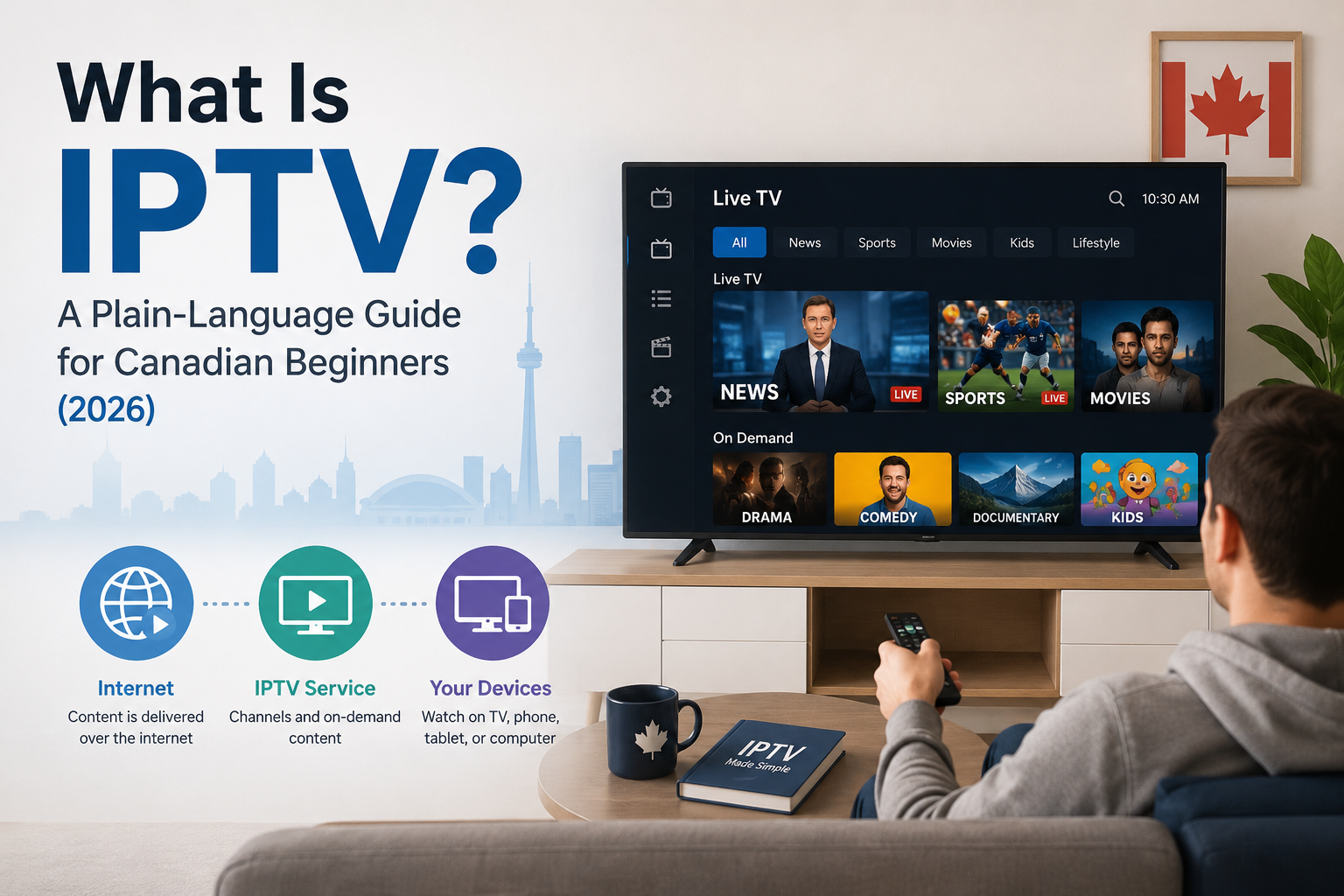
IPTV stands for Internet Protocol Television. Instead of receiving your television channels through a coaxial cable plugged into your wall — like traditional Bell or Rogers cable — or through a satellite dish mounted on your roof, IPTV delivers television channels directly over your internet connection. This is the exact same internet connection you already use to browse the web, check emails, or watch YouTube.
To make this concrete, think about the apps you already use. Netflix delivers movies and shows over the internet — that makes it a form of IPTV. Crave, Disney+, and Amazon Prime are all internet-delivered video platforms. Even Canada’s biggest cable companies use this technology. Services like Bell Fibe TV, Telus Optik TV, and Rogers Ignite TV are technically IPTV products.
The key takeaway: IPTV is not a specific brand or a single corporate iptv service. It is a delivery method. Just like the word “streaming” describes how music reaches your phone, “IPTV” describes how television reaches your screen.
How Does IPTV Work? (Without the Tech Jargon)
Think of a simple plumbing analogy. Traditional cable TV is like a water pipe that constantly pumps every single channel into your home simultaneously, whether your television is on or not. IPTV is more like ordering a specific dish from a menu — the content is only sent to your home when you request it.
The mechanics are straightforward:
- An IPTV provider manages servers that store or relay television channel feeds.
- When you open your app and select a channel, your device sends a request to those servers.
- The server sends that specific channel’s stream back to your device over your internet connection — a 4K stream typically uses around 20–25 Mbps, well within what most Canadian home broadband plans provide.
- Your app (IPTV Smarters Pro, TiviMate, etc.) decodes the stream and displays it on screen.
As you research, you will come across a few terms worth knowing upfront:
- M3U playlist — a digital file containing the list of channel links your app uses to load streams
- Xtream Codes — a login-based system (username, password, server URL) for accessing channels securely
- EPG (Electronic Program Guide) — the on-screen TV guide showing what is on now and next, identical to the channel grid on a cable box
You do not need to understand the technical details behind any of these. Your provider supplies the credentials and your app handles the rest.
The 3 Types of IPTV Content
Most beginner articles skip or rush this section, but understanding the three content formats is important before you choose a service. Modern iptv subscription plans typically offer all three.
Live TV
Real-time broadcast of channels as they air — exactly like traditional cable. You tune in to TSN and watch the Toronto Maple Leafs game as it happens. Live sports, local news, and special events are the main reason Canadians choose IPTV over cable alternatives.
Video on Demand (VOD)
A library of movies, TV series, and documentaries you can watch at any time. Browse, pick a title, and it plays immediately — no schedule, no waiting. Almost all plans include a VOD library alongside live channels, functioning similarly to Netflix or Amazon Prime.
Time-Shifted TV (Catch-Up)
This is the feature most beginners do not know about, and it is genuinely useful. Time-shifted TV lets you watch a program that already aired — typically within the last three to seven days — as if you were watching it live. Missed the Toronto Raptors game last night? Catch-up lets you play it this morning. It differs from VOD in one important way: the content is only available for a limited window after the original broadcast. Once that window closes, it is gone.
What Do You Need to Use IPTV in Canada?
Getting started is simpler than most people expect. You likely already own most of what you need.
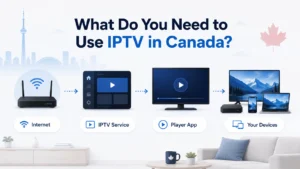
- A stable internet connection — You need a minimum download speed of 10 Mbps for standard HD streaming, or 25 Mbps for 4K. Most Canadian home internet plans from Bell, Rogers, Telus, Videotron, or Shaw exceed these requirements without any upgrades. Wi-Fi works, but a wired Ethernet connection gives a more stable stream — particularly worth doing for live sports.
- A compatible device — IPTV works on almost anything: an Amazon Firestick, a Samsung or LG Smart TV, an Android TV box like BuzzTV or Formuler, an iPhone, an iPad, an Android smartphone, a Windows PC, or a Mac. You almost certainly already own something compatible.
- An IPTV app — The two most widely used apps in Canada are IPTV Smarters Pro and TiviMate. Both are free to download. Your iptv provider will tell you which one suits your device and walk you through setup — most configurations take under five minutes.
- An IPTV subscription — Login credentials or an M3U link supplied by your chosen provider. Entering these details is what populates your app with channels.
IPTV vs Cable vs Streaming Services — What’s the Difference?
Two sentences of context before the comparison: most Canadians are already paying for cable, a streaming service, or both. Here is how IPTV fits alongside — or replaces — what you already have.
| Feature | Traditional Cable | Streaming (Netflix / Crave) | IPTV |
| Live TV | Yes | Generally no | Yes |
| Live sports (TSN / Sportsnet) | Yes — often expensive add-ons | No | Yes |
| VOD library | Limited | Large | Large |
| Average monthly cost | $120–$150 | $10–$20 per service | Low to medium |
| Contract required | Often 1–2 years | No | No |
| Device flexibility | Cable box only | Most smart devices | All smart devices |
| French / bilingual content | Limited by package | Limited | Yes, widely included |
Traditional cable offers a familiar experience but ties you to hardware rentals and long-term contracts. Streaming services have strong on-demand libraries but no live news or local sports. The best iptv options occupy a distinct position: live TV and sports that streaming services cannot match, without the contracts or costs of cable.
What Channels Are Available on IPTV in Canada?
The range of programming available to a Canadian subscriber is wide. Traditional cable packages limit your options by geography and tier; IPTV services typically carry channels from across Canada, the United States, and internationally.
Canadian channels are fully covered: local feeds for CBC, CTV, Global, Citytv, and Omni. Sports is a major draw — TSN, Sportsnet, out-of-market NHL games, NFL, NBA, and major UFC pay-per-view events. US networks including ABC, NBC, CBS, Fox, ESPN, CNN, and Fox News are standard inclusions.
For French-speaking households, iptv canada coverage of Quebec content is solid — TVA, V, Noovo, and RDS are commonly available. International and multicultural programming is extensive, with channels in Hindi, Punjabi, Arabic, and Portuguese reflecting Canada’s communities. Kids’ channels like Treehouse, YTV, and Disney Channel are standard, alongside thousands of VOD titles. Hundreds of Canadian, US, and international channels are typically included — there is no shortage of things to watch.
Is IPTV Legal in Canada?
The short answer: the technology is completely legal in Canada. Bell, Telus, and Rogers all use it for their own television products. Legality depends on the specific provider you choose — not on the technology itself.
The CRTC regulates broadcast content distributors, not the delivery method and not individual viewers. To date, no individual Canadian viewer has been prosecuted simply for watching streams at home. The most important step you can take is choosing a transparent, reputable provider.
For the full breakdown of Canadian IPTV law, CRTC rules, and what the Copyright Act says about streaming versus downloading, read our complete guide: is iptv legal in canada.
This is informational only and does not constitute legal advice.
Common IPTV Terms You’ll Come Across (Quick Glossary)
As you research further, you will run into specific terminology. Here are the six terms that come up most often:
M3U / M3U Playlist — A digital file or URL containing the complete list of channel streams your IPTV app uses to load your channels. Think of it as a directory that tells your app where to find everything.
Xtream Codes — A login method using a server URL, a username, and a password to connect your app directly to your provider’s content servers. More secure and more common than M3U for most modern services.
EPG (Electronic Program Guide) — The on-screen TV guide showing current and upcoming schedules for each channel. Functionally identical to the channel grid on a traditional cable box.
VOD (Video on Demand) — The on-demand content library included with most plans. Works like Netflix — browse, select, watch immediately on your schedule.
Buffering — When your video stream pauses, freezes, or stutters because data is not arriving fast enough. Usually caused by a slow internet connection, Wi-Fi interference, or an overloaded provider server.
Anti-freeze / Anti-buffer technology — Server-side infrastructure that quality providers use to keep live streams stable during high-demand periods, such as NHL playoff nights or major UFC events, when thousands of viewers are watching simultaneously.
How to Get Started with IPTV in Canada (4 Steps)
The process is straightforward. Here is exactly what to do:
- Check your internet speed — Run a quick test at fast.com or speedtest.net. You need at least 10 Mbps for HD, 25 Mbps for 4K. Nearly all Canadian home broadband plans qualify without any changes.
- Choose a device — Pick the screen you want to watch on. A Firestick, Android TV box, or modern Smart TV is the most popular setup. If you already have a Smart TV in your living room, you likely do not need to buy anything new.
- Start a free trial — The most reliable way to evaluate any service is to test it on your own internet connection before paying. A trustworthy provider offers an iptv free trial — 24 hours of full access, no credit card required.
- Set up your app and start watching — Your provider emails your login credentials. Enter them into your chosen IPTV app and you are watching live television within a few minutes.
IPTV is a mature, widely used technology that millions of Canadians are already watching every day. The setup is minimal, and the value compared to traditional cable is clear. The best way to know if it is right for your home is to try it on your own connection. Start with a free trial and see for yourself what iptv looks like in practice.







