

Written by the IPTVCND Editorial Team — Updated October 2026
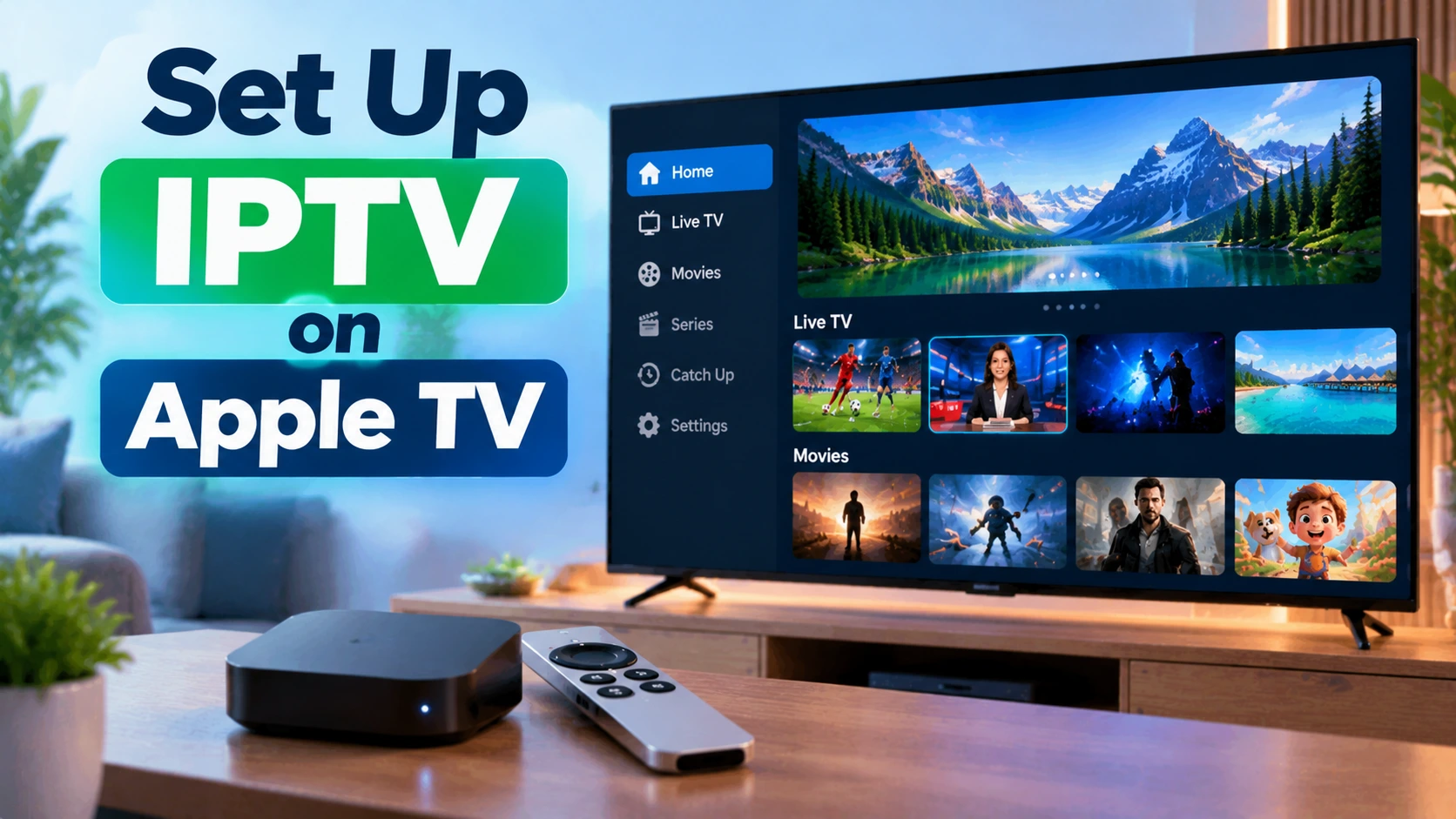
Apple TV 4K is one of the best IPTV devices you can buy. It is fast, gets years of software updates, has no ads on the home screen, and the tvOS IPTV apps are some of the most polished on any platform. The only hurdle is choice: Apple’s App Store has a different set of IPTV players than Android, and the most popular Firestick app, TiviMate, is not one of them. This guide shows you which apps to use, how to log in, and the settings that make live hockey look its best.
Quick answer: On Apple TV, open the App Store, install a tvOS IPTV player such as IPTVX, iPlayTV or UHF, and log in with your provider’s Xtream Codes details (server URL, username, password) or M3U link. Then turn on Match Frame Rate in Settings > Video and Audio > Match Content for smoother sports. Use the Ethernet port on the 128 GB Apple TV 4K for the most stable streams.
Which Apple TV Should You Use?
| Model | IPTV suitability | Notes |
|---|---|---|
| Apple TV 4K (3rd gen), 128 GB | Excellent | Gigabit Ethernet and Wi-Fi 6 — the best choice for a main TV |
| Apple TV 4K (3rd gen), 64 GB | Excellent | Wi-Fi only; great if your router is close |
| Apple TV 4K (1st and 2nd gen) | Very good | Still supported by current tvOS versions and modern IPTV apps |
| Apple TV HD | Fair | Works for HD channels but noticeably slower |
Not sure an Apple TV is right for you? Compare it with other hardware in our IPTV box guide.
The Best IPTV Apps for Apple TV
| App | Strengths | Login | Cost model |
|---|---|---|---|
| IPTVX | Beautiful Apple-style interface, fast, strong VOD layout | Xtream Codes, M3U | Free download, premium unlock |
| iPlayTV | Clean grid TV guide, quick channel switching | Xtream Codes, M3U | Paid app |
| UHF | Modern design, good EPG handling, syncs with iPhone | Xtream Codes, M3U | Free with premium options |
| GSE Smart IPTV | Lots of settings, long track record | Xtream Codes, M3U | Free with in-app purchases |
App availability and pricing can change, so check recent reviews before buying. If you also use an iPhone or iPad, many of these apps sync your playlists and favourites across devices — see our iPhone and iPad IPTV guide. For a cross-platform comparison, see our best IPTV player guide.
Step-by-Step Setup
- Update tvOS: Settings > System > Software Updates.
- Connect by Ethernet if your model has a port, or use 5 GHz Wi-Fi.
- Open the App Store on Apple TV, search for your chosen player and install it.
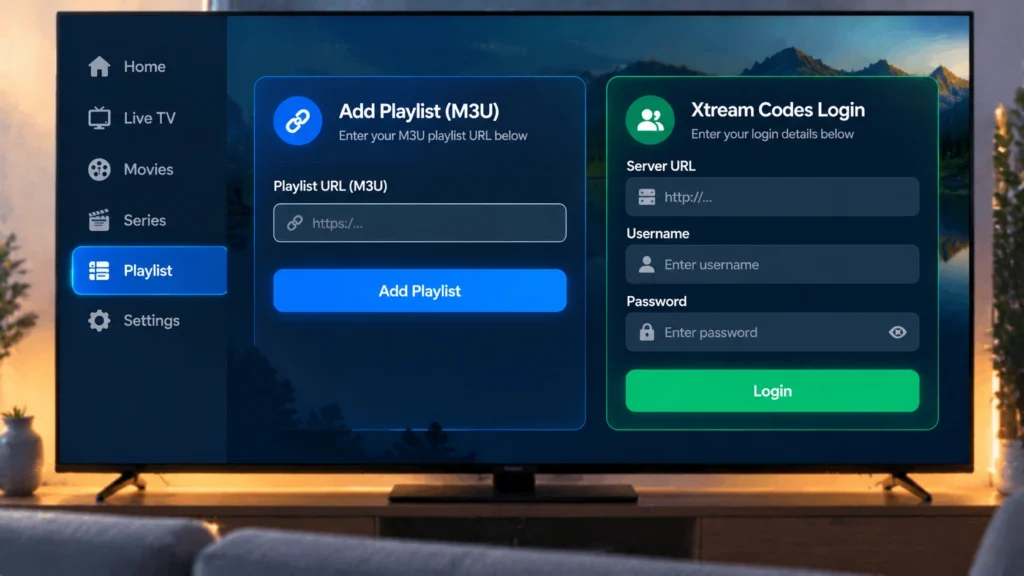
- Add your playlist. Choose Xtream Codes and enter the server URL, username and password. Many apps let you type them on your iPhone instead of using the Siri Remote — accept the keyboard notification on your phone.
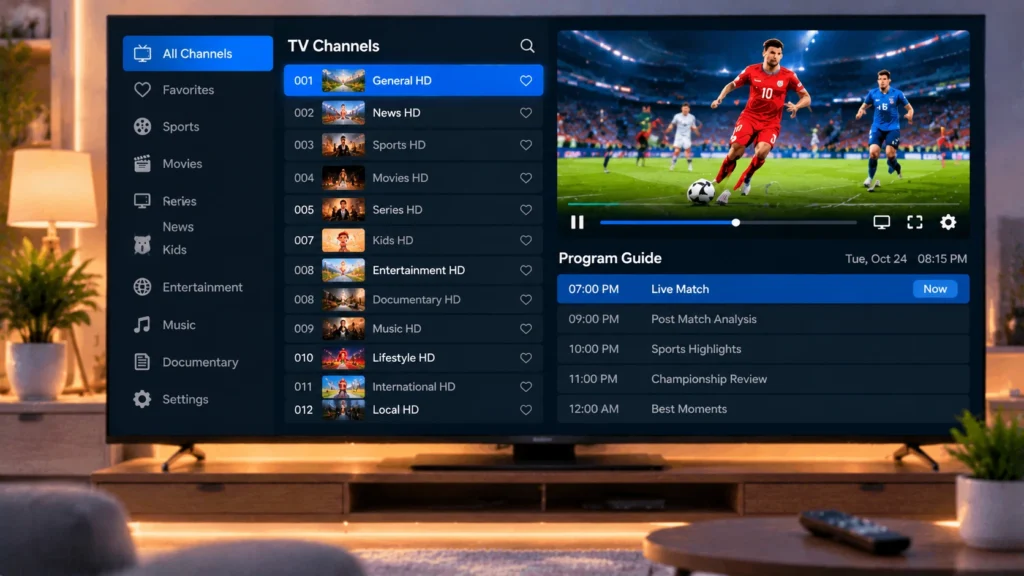
- Wait for channels and the guide to load, then add favourites.
Need login details? Start with our free 24-hour IPTV trial. Not sure which login type to use? Read our guide to M3U and Xtream Codes.
Settings That Make Live Sports Look Right
By default, Apple TV outputs everything at one frame rate and in HDR if your TV supports it. Live Canadian TV is mostly broadcast at 60 frames per second in SDR, so mismatches can cause stutter or washed-out colours. Fix it with these settings:
| Setting | Where | Recommendation |
|---|---|---|
| Match Frame Rate | Settings > Video and Audio > Match Content | On — smoother motion for hockey and football |
| Match Dynamic Range | Same menu | On — avoids SDR channels looking dull in HDR mode |
| Format | Settings > Video and Audio > Format | 4K SDR (with Match Dynamic Range on), or 4K HDR if you prefer |
| Reduce Loud Sounds | Video and Audio > Audio | Optional — evens out volume jumps between channels and ads |
Apple’s own guide to Apple TV video and audio settings explains each option in more detail.
Using Apple TV With the Rest of Your Home
- Multiple Apple TVs: each one counts as a screen while playing. Families with several TVs should choose a multi-device plan — see the options on our pricing page.
- AirPlay: you can send a channel from an iPhone to the Apple TV, but running the app directly on the Apple TV is more reliable.
- Profiles: some players support separate profiles so each family member has their own favourites.
Troubleshooting
- Stuttering motion: turn on Match Frame Rate.
- Dull or grey picture: turn on Match Dynamic Range.
- Buffering: use Ethernet or move the router closer, and check your connection with Speedtest (about 15 Mbps per HD stream). Our IPTV buffering guide covers more fixes.
- Empty guide: refresh the EPG in the app settings or re-add the playlist.
- App closes unexpectedly: update tvOS and the app, then restart the Apple TV from Settings > System > Restart.
Get Started
StreamX works with every major Apple TV player using Xtream Codes or M3U. Test it on your Apple TV with a free trial. For other devices around the house, browse our setup tutorials, or compare devices in Firestick vs Android box.
Frequently Asked Questions
Can I watch IPTV on Apple TV?
Yes. Install a tvOS IPTV player such as IPTVX, iPlayTV or UHF from the App Store and log in with your provider’s Xtream Codes details or M3U link.
Is TiviMate available on Apple TV?
No. TiviMate is only for Android TV, Google TV and Fire TV devices. Apple TV users choose from tvOS players like IPTVX, iPlayTV, UHF or GSE Smart IPTV.
What is the best IPTV app for Apple TV?
IPTVX is popular for its polished design, iPlayTV for its fast grid guide, and UHF for its modern interface. The best choice depends on whether you prioritize live TV, on-demand content or design.
Why does live sports stutter on my Apple TV?
Usually the frame rate does not match the broadcast. Turn on Match Frame Rate and Match Dynamic Range in Settings, Video and Audio, Match Content.
Does Apple TV need Ethernet for IPTV?
No, but a wired connection is the most stable option. The 128 GB Apple TV 4K has an Ethernet port; the 64 GB model is Wi-Fi only.







