

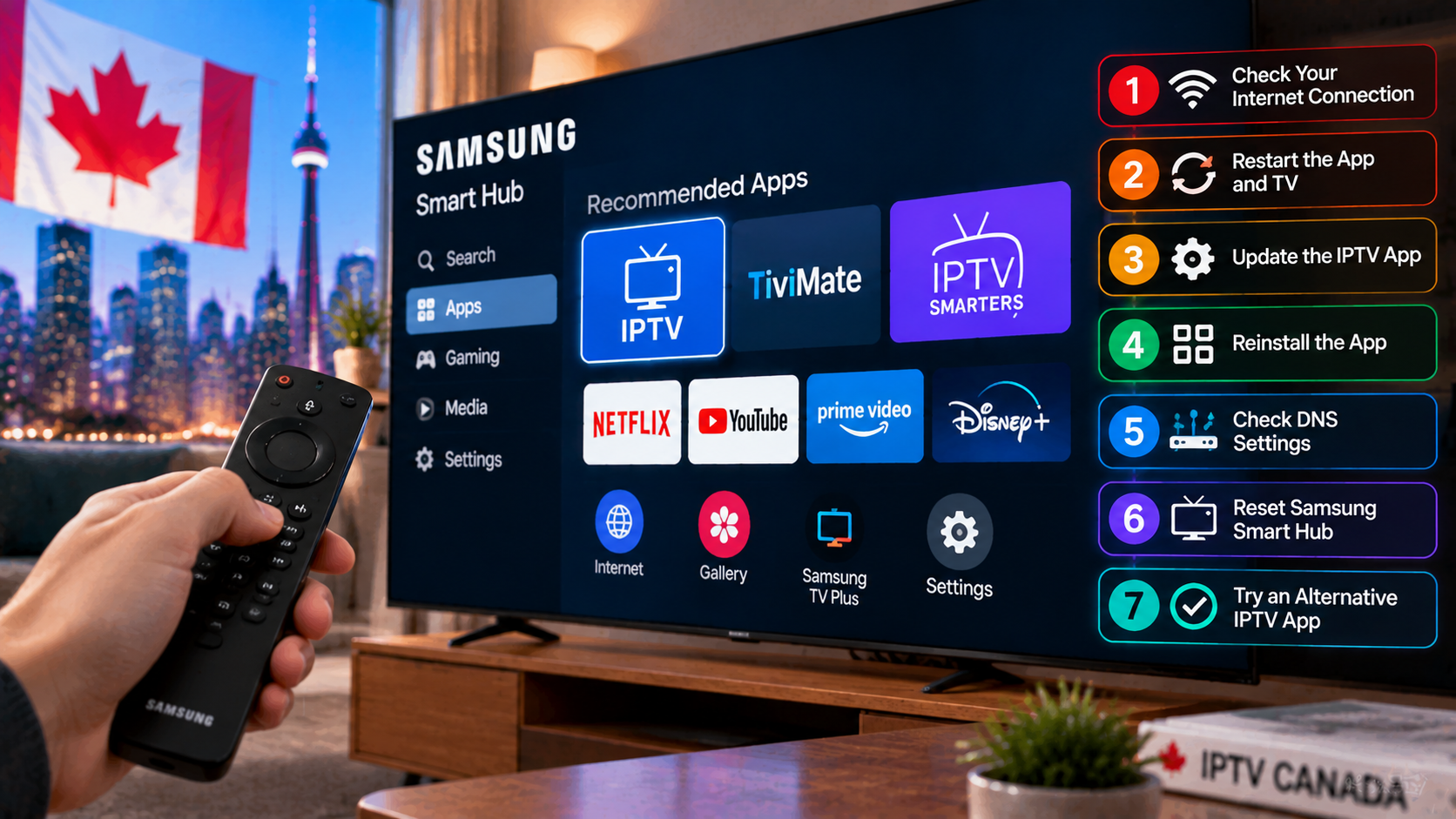
Written by the StreamX Editorial Team — Updated October 2026
Samsung TVs are everywhere in Canadian homes, and their Tizen operating system can run IPTV apps without extra hardware. But Tizen is also where many IPTV headaches start: apps disappear from the store, MAC-based playlists fail to load, Wi-Fi is weaker than a dedicated stick, and some channels play with no sound. This guide covers seven solutions that fix the vast majority of Samsung IPTV problems.
Quick answer: Cold-restart the TV (unplug for 60 seconds), update the TV software and the IPTV app, re-upload your playlist to the correct MAC address on the app’s website, switch the TV to Ethernet or 5 GHz Wi-Fi, turn off Auto Motion Plus, and change the audio output to PCM if channels have no sound. If your app was removed from the Samsung store or your TV is older than about 2018, plug in a Fire TV Stick or Android TV device instead.
Solution 1: Do a Real Restart
Samsung TVs do not fully power off with the remote — they go into standby. Unplug the TV from the wall for 60 seconds, or hold the power button on the remote until the TV restarts and the Samsung logo appears. This clears memory and fixes many app freezes.
Solution 2: Update the TV and the App
- TV: Settings > Support > Software Update > Update Now, and enable Auto Update.
- App: open Apps, select the app’s settings icon and check for updates, or reinstall it.
Solution 3: Fix MAC Playlist Errors
Many Samsung IPTV players are MAC-activated: you upload your M3U link or Xtream details on the developer’s website using the MAC address shown in the app. Common mistakes:
- Using the TV’s network MAC from Samsung settings instead of the one shown inside the app.
- Typos in the MAC (0 vs O, 1 vs I).
- Forgetting to restart the app after uploading.
- An expired app activation — many players have a trial period, then a small activation fee to the app developer.
Not sure what to upload? Our M3U and Xtream Codes guide explains the formats.
Solution 4: Improve the Connection
Samsung TVs’ built-in Wi-Fi is often weaker than a modern streaming stick, especially when the TV is wall-mounted.
- Use an Ethernet cable if possible.
- Connect to the router’s 5 GHz network.
- Check the connection in Settings > General > Network > Network Status.
- Test speed with a browser-based test; aim for about 15 Mbps per HD stream. See our internet speed guide.
Solution 5: Fix Picture Problems
- Stuttering motion: turn off Auto Motion Plus (Picture Clarity settings) or set it to Custom with low values.
- Black screen with audio: switch the player or decoder option inside the IPTV app; try another channel to rule out a source issue.
- Washed-out colours: enable HDMI UHD Color or Input Signal Plus only if using an external device; for built-in apps, reset the picture mode to Standard or Movie.
Solution 6: Fix Audio Problems
- Go to Settings > Sound > Expert Settings > Digital Output Audio Format and choose PCM if some channels are silent.
- If you use a soundbar, check that HDMI-eARC is enabled and try switching to the TV speaker to test.
Solution 7: Use an External Device
If your IPTV app has been removed from the Samsung store, keeps crashing, or your TV is older, the most reliable fix is a dedicated streaming device:
- Fire TV Stick 4K Max / 4K Plus — see our best Firestick guide.
- Android TV / Google TV box — see our Android box guide.
These run TiviMate and IPTV Smarters Pro, have better Wi-Fi, and can move with you between TVs. For the full comparison of built-in apps vs devices, see our Samsung and LG smart TV IPTV guide.
When It’s Not the TV
If the same channels fail on other devices too, the problem is the stream, your subscription or your network. Work through IPTV not working: 10 fixes and our buffering guide. Samsung’s own Canadian support site covers TV-specific troubleshooting.
Test a Reliable Service
StreamX works with Samsung TV players via Xtream Codes or M3U. Try it with a free 24-hour trial, and see plans on our pricing page.
Frequently Asked Questions
Why is IPTV not working on my Samsung TV?
Common causes are an app that needs updating or was removed from the store, a playlist uploaded to the wrong MAC address, weak Wi-Fi or an expired app activation.
How do I restart a Samsung TV properly?
Unplug it from the wall for 60 seconds, or hold the remote’s power button until the TV restarts and shows the Samsung logo.
Why do some IPTV channels have no sound on my Samsung TV?
The audio format may be unsupported. Set Digital Output Audio Format to PCM in the expert sound settings.
Is IPTV Smarters available on Samsung TVs?
Availability changes by model and region. If it is not in your TV’s store, use another player or connect a Fire TV Stick or Android TV device.
Should I use a Firestick instead of the Samsung app?
If your TV is older or apps keep failing, yes. A streaming stick usually offers better app choice, Wi-Fi and performance.







