

Written by the IPTVCND Editorial Team — Updated October 2026
“Do I need faster internet for IPTV?” is usually the first question new cord-cutters ask — and the answer is usually “no”. Most Canadian home internet plans already have more than enough speed. When IPTV buffers, the cause is far more often Wi-Fi, evening congestion or a weak device than the plan’s headline speed. This guide explains exactly how much bandwidth IPTV needs, how to calculate what your household needs, and what to fix before you pay your ISP for an upgrade.
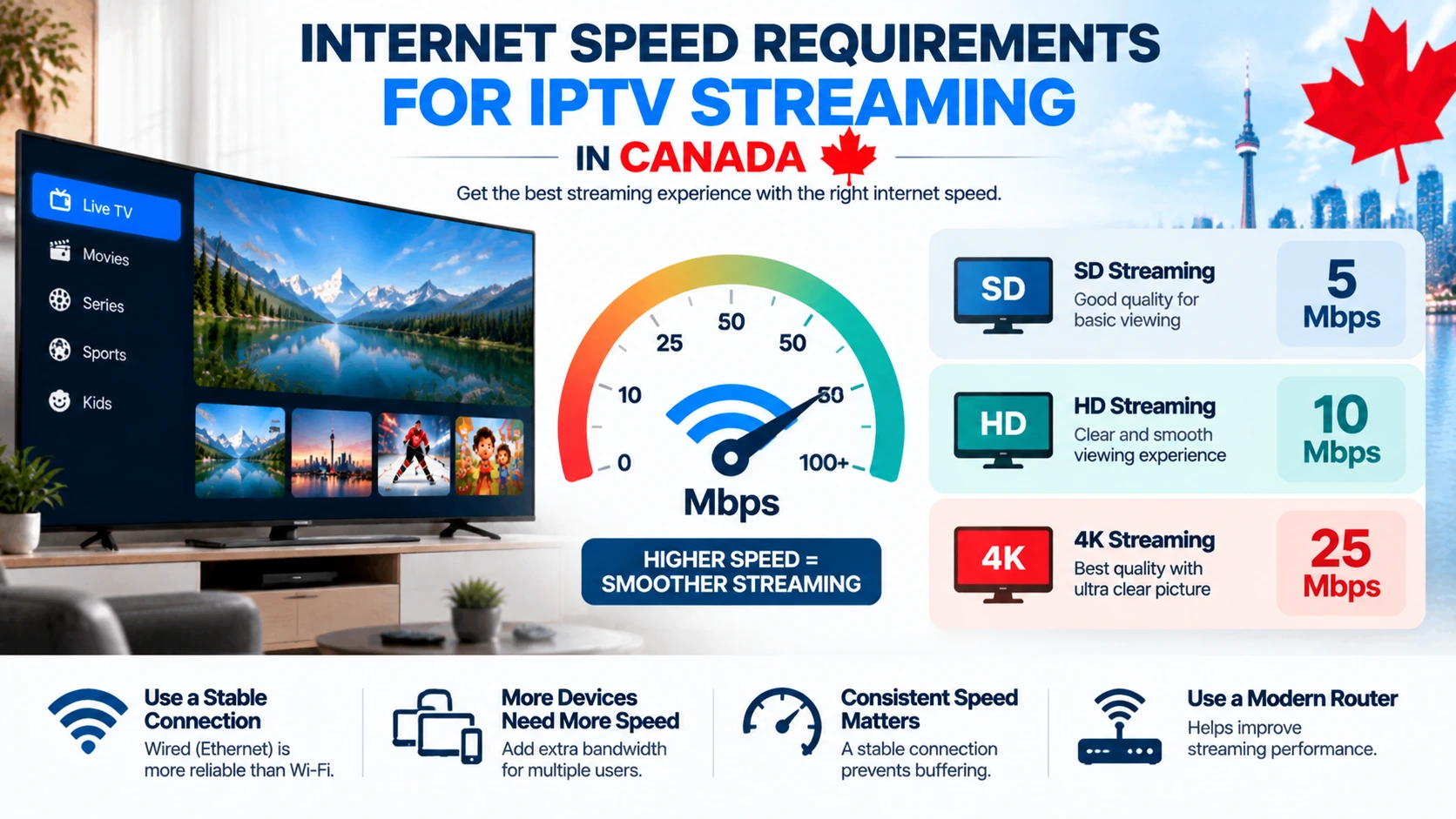
Quick answer: Plan for about 3–5 Mbps per SD stream, 10–15 Mbps per HD stream and 25 Mbps or more per 4K stream, plus 20–30% headroom for other devices. A household watching three HD streams at once needs a stable 40–50 Mbps. Stability matters more than raw speed: test in the evening and on the device you watch on, not just on your phone next to the router.
Speed Needed per Stream
| Quality | Minimum per stream | Recommended per stream |
|---|---|---|
| SD (480p) | 3 Mbps | 5 Mbps |
| HD (720p) | 5 Mbps | 10 Mbps |
| Full HD (1080p) | 8 Mbps | 15 Mbps |
| 4K UHD | 20 Mbps | 25–35 Mbps |
Live sports need the upper end of these ranges because fast motion requires more data, and live streams have less buffer than on-demand video.
Household Speed Calculator
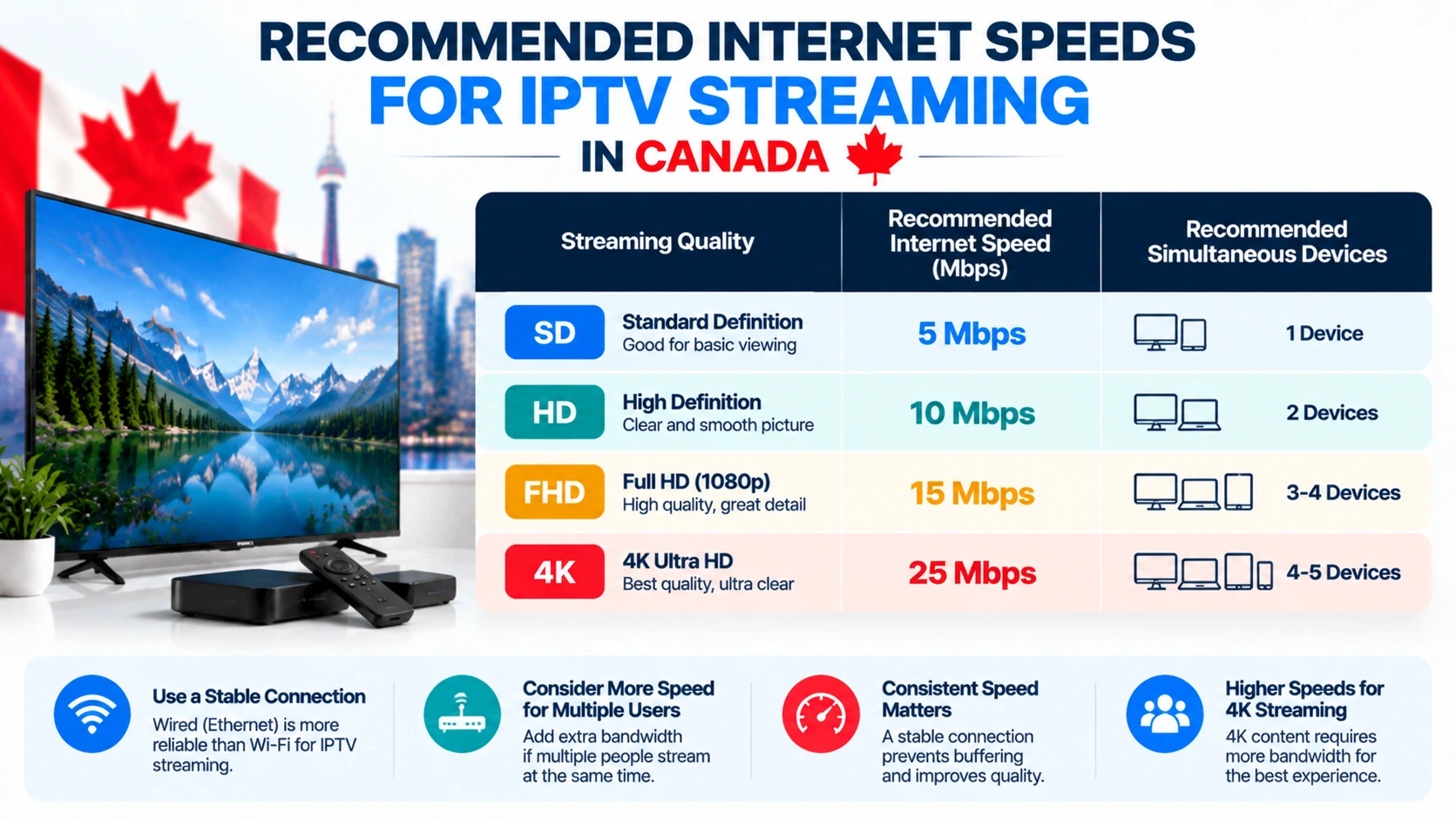
Add up the streams that play at the same time, then add headroom for everything else:
| Household | Simultaneous streams | Recommended stable speed |
|---|---|---|
| Single viewer | 1 HD | 20–25 Mbps |
| Couple | 2 HD | 35–40 Mbps |
| Family | 3 HD + phones and gaming | 60–75 Mbps |
| 4K sports fan family | 1 4K + 2 HD | 75–100 Mbps |
| Large household | 4 HD + work-from-home calls | 100+ Mbps |
Most Canadian cable and fibre plans start well above these numbers. The exception is some rural, DSL and fixed wireless connections. Our IPTV data usage guide covers capped plans.
How to Test Your Real Speed
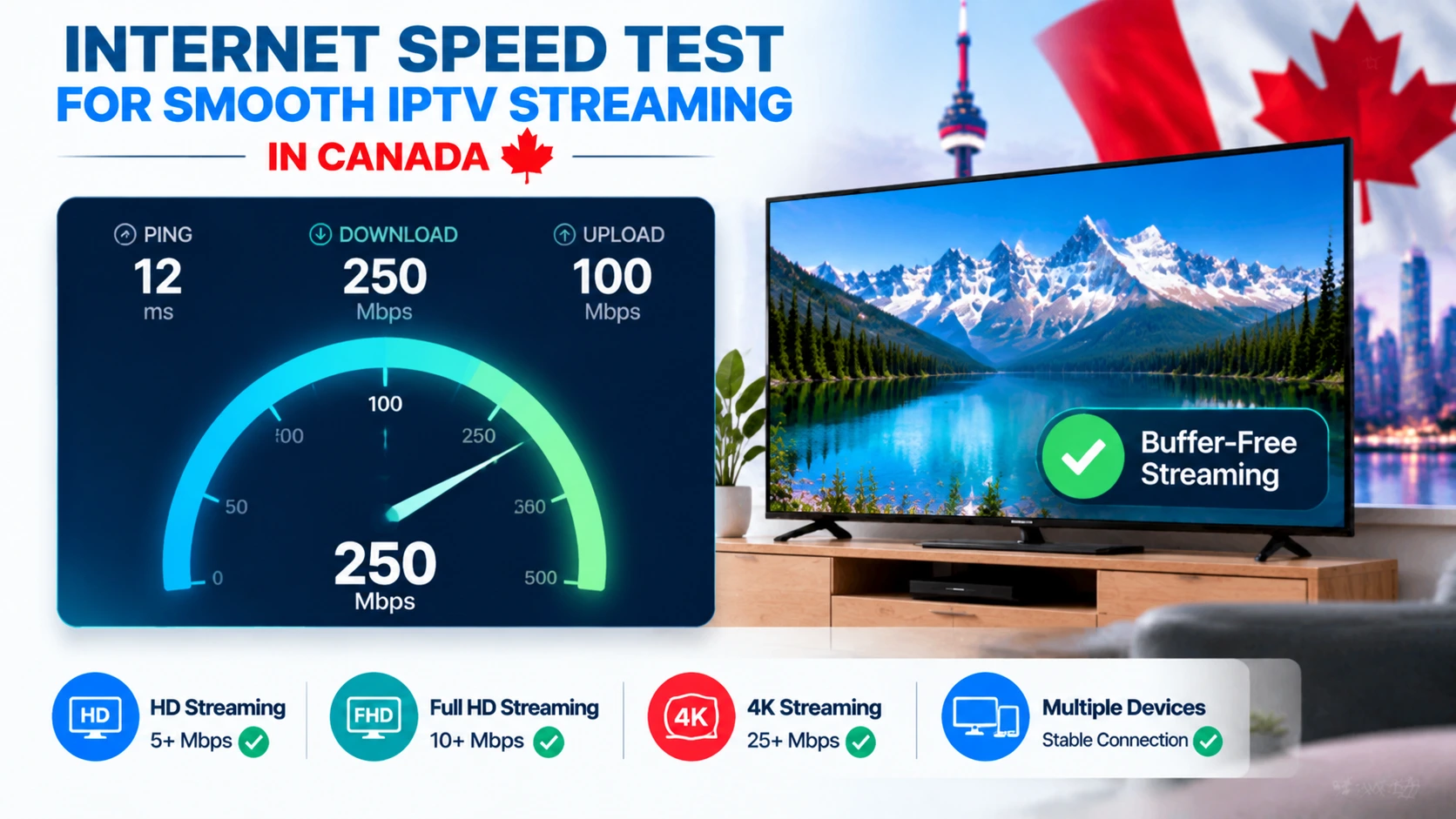
- Test in the evening (8–10 p.m.), when neighbourhood networks are busiest.
- Test on the TV device itself. Many Fire TV and Android TV devices can run a speed-test app; this shows what the TV actually gets over Wi-Fi.
- Compare wired vs Wi-Fi results on a laptop.
- Repeat over several days. One good result at noon means little.
Use Speedtest by Ookla or the CIRA Internet Performance Test, a Canadian tool from the organization that manages .ca domains.
Why Wi-Fi Is Usually the Real Problem
- Distance and walls: brick, plaster and basements cut Wi-Fi speed dramatically.
- 2.4 GHz vs 5 GHz: 2.4 GHz travels further but is slower and crowded; use 5 GHz (or 6 GHz) for TVs.
- Hidden sticks: a Firestick tucked behind a TV has a weaker antenna — use the HDMI extender.
- Old routers: ISP-supplied routers that are several years old may not handle multiple HD streams well.
Fixes that work
- Run an Ethernet cable to the main TV, or use a powerline adapter.
- Add a mesh Wi-Fi system for larger homes.
- Move the router to a central, elevated spot.
- Choose devices with Ethernet ports — see our Firestick vs Android box comparison.
Latency and Stability Matter Too
For live TV, a stable connection with low jitter beats a fast but erratic one. Fibre connections tend to have very stable latency, which is why they are excellent for live sports. If your speed tests vary wildly at different times, contact your ISP or consider a different technology at your address.
Do You Need to Upgrade Your Plan?
| Situation | Recommendation |
|---|---|
| Speed test on the TV device is well above your needs, but IPTV still buffers | Fix Wi-Fi or the device, not the plan |
| Evening speeds drop below your needs on a wired test | Talk to your ISP or upgrade |
| You plan to add 4K or more simultaneous screens | Upgrade may be worth it |
| Rural plan with caps | Choose HD over 4K and fewer screens |
Questions about ISP throttling? Read our guide to IPTV and your ISP. Local internet options are covered in our city guides for Toronto, Ottawa and Montreal.
Test IPTV on Your Connection
The only test that really matters is watching a live game on your own setup. Try StreamX with a free 24-hour trial during peak hours. If it buffers, our buffering guide walks you through the fixes. Then choose your screens on the pricing page.
Which Connection Type Is Best for IPTV?
Raw speed is not the whole story — the type of connection affects stability too:
- Fibre — the best option: fast both ways and very low latency, so live TV starts quickly and holds up when the household is busy.
- Cable — excellent for IPTV in most homes; just note that upload is lower and evenings can get congested in some areas.
- DSL — workable for one or two HD streams, but tight for 4K or several TVs at once.
- Fixed wireless / satellite (including Starlink) — can work, but higher latency and data caps make it less predictable; wire the device and leave headroom.
Whatever you have, test before committing — a short trial from a reliable IPTV service on your real connection tells you more than any speed number.
Frequently Asked Questions
How much internet speed do I need for IPTV?
About 10 to 15 Mbps per HD stream and 25 Mbps or more per 4K stream, plus extra headroom for other devices in your home.
Is 50 Mbps enough for IPTV?
Yes, for most households. 50 Mbps comfortably handles two or three HD streams at once, as long as the Wi-Fi to your TV is strong.
Why does IPTV buffer if my internet is fast?
Usually because of weak Wi-Fi to the TV, evening congestion or an underpowered device. Test speed on the TV device itself and consider Ethernet.
Is fibre better than cable for IPTV?
Fibre usually has more stable latency, which helps live sports, but modern cable connections also work very well for IPTV.
How do I test my internet speed for IPTV?
Run a test in the evening on the device you watch on, using Speedtest or the CIRA Internet Performance Test, and repeat over several days.
What speed do I need for 4K IPTV?
Budget around 25 Mbps for each simultaneous 4K stream, then multiply by the number of TVs that might run at once. HD needs far less, so a typical home rarely needs a gigabit plan just for IPTV.
Will a faster plan stop buffering?
Only if raw speed was the cause. More often the bottleneck is Wi-Fi reaching the TV. Try Ethernet first — our buffering fix guide covers the full checklist before you pay for a bigger plan.







